HeyGen Review 2026: AI Avatar Videos for Business — Does It Actually Deliver?
August 9, 2026
0
A training manager we spoke with while researching this piece described her first HeyGen render the same way most people do: she scripted a two-minute onboarding clip, picked
A training manager we spoke with while researching this piece described her first HeyGen render the same way most people do: she scripted a two-minute onboarding clip, picked a stock avatar, and had a finished video before her coffee went cold. The next thought, she said, was less enthusiastic. Would this actually hold up once it needed to happen forty times a month, in three languages, without someone quietly re-editing every render by hand?
That’s the real question behind any HeyGen review in 2026. The demo reel is never the problem. The problem is what happens when an AI avatar tool has to survive contact with an actual production schedule.
We spent time working through HeyGen’s current feature set, cross-checked its 2026 pricing against multiple independent sources, and evaluated it specifically against the three jobs business teams hire this category of tool to do: training content, product demonstrations, and multilingual video. Here’s where it holds up, and where it doesn’t.
What HeyGen Actually Does
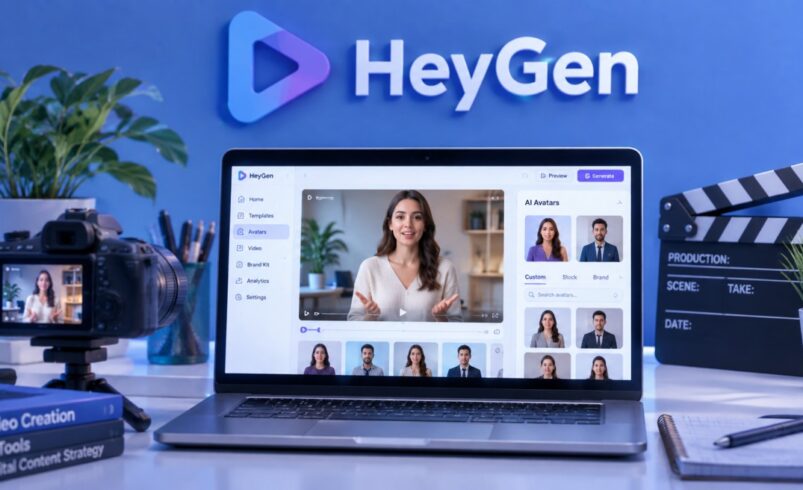
HeyGen turns a written script into a video of an avatar speaking it, with matched lip movement, gestures, and tone. You choose an avatar (a stock model, a photo-based avatar built from a still image, or a custom “Digital Twin” trained on a short recording of yourself), pick a voice, drop in your script, and the platform renders a finished clip. No camera, no studio booking, no reshoot when the copy changes.
The current engine, Avatar IV, is the meaningful upgrade over earlier avatar generations. Instead of a static presenter reciting lines, it reads the emotional register of the script and layers in timing-aware gestures and facial micro-expressions, which is the difference between a video that looks like a slide narrator and one that looks like a person talking to camera. HeyGen also ships a Video Agent feature that can draft a rough cut from a single prompt, and a translation engine that dubs existing footage into more than 175 languages with resynced lip movement.
Who HeyGen Is Really Built For
HeyGen grew out of marketing and creator tooling rather than corporate learning and development, and that lineage still shows. The avatars gesture more, the editor rewards fast iteration, and the platform shows up constantly in ad creative, sales outreach, and social content. It’s less naturally at home in the rigid, scene-by-scene, twelve-language compliance video that a training department needs to look identical across every market, that’s a job Synthesia was built around from day one, and we cover that distinction in more detail further down.
What HeyGen does well is narrower and more specific: producing a convincing presenter-style video quickly, updating it without re-filming, and doing both across a genuinely wide language set.
Avatar Quality — What Avatar IV Gets Right (and Where It Slips)
Avatar realism is the metric that decides whether any of this is usable for a business audience, and it’s also where HeyGen earns its reputation. Reviewers across the category consistently rate Avatar IV as one of the more convincing avatar engines available, particularly in how it handles pauses and hand movement between sentences rather than just matching mouth shapes to audio.
It isn’t flawless. Push the avatar toward a fast, high-energy delivery style and the gestures can stop matching the pace of the script. A handful of non-English language renders, including Portuguese and Japanese, have documented text-layout and pronunciation quirks. And the newer Avatar V digital-twin feature, which only needs a fifteen-second recording to build a clone, produces results that are occasionally inconsistent, with some testers reporting exaggerated gestures. For a calm, mid-paced corporate presenter video, which covers most training and internal-comms use cases, Avatar IV is convincing enough that viewers generally stop noticing it’s synthetic within the first few seconds.
Putting HeyGen to Work: Three Business Use Cases
Training and Onboarding Videos
This is HeyGen’s strongest fit. A script update becomes a re-render instead of a reshoot, which matters enormously for onboarding content, internal SOPs, and policy walkthroughs that change every few months. Teams can push finished output into an LMS with SCORM packaging, and the avatar consistency across videos means a training library doesn’t look like it was stitched together from five different presenters.
The limitation shows up at volume. A single Avatar IV minute draws down a meaningful chunk of premium credits, and several independent breakdowns put the Creator plan’s monthly allowance at somewhere around ten minutes of premium avatar footage before you’re either downgrading to the lower-fidelity Avatar III or buying more credits. A department producing a handful of training modules a month will feel fine. A department refreshing a full course library every quarter needs to budget for Pro or Business from the start, not discover the ceiling three months in.
Product Demonstrations and Sales Enablement
HeyGen handles the explainer-style product walkthrough well: a presenter avatar narrating over your script, useful for feature announcements, sales enablement clips, and top-of-funnel product marketing. Where it’s a weaker fit is anything that actually needs to show the product working. HeyGen generates a person talking, not a screen recording or a UI walkthrough, so if the demo’s job is to show software in action, this is a script-and-avatar layer you’d pair with a separate screen-capture tool rather than a replacement for one. Teams building pure product-demo pipelines are often better served by tools built specifically around interface capture, with HeyGen reserved for the framing and narration around that footage.
Multilingual and Localized Content
This is the other place HeyGen earns its keep. The video translator dubs existing footage into more than 175 languages, clones the original speaker’s voice, and resyncs lip movement to the new audio, and as of early 2026, that dubbing runs on all paid plans without pulling from the premium credit pool. For a marketing or L&D team that scripts once in English and needs the same message live in a dozen markets without re-filming a presenter for each one, that’s a genuine hours-saved proposition rather than a nice-to-have feature.
Don’t overstate the polish, though. Translation quality still varies by language pair, and teams handling anything regulatory or safety-critical should have a native speaker proof the output before it ships, not assume the lip-sync accuracy implies linguistic accuracy.
The Editor and Workflow — Video Agent, Scripting, Turnaround Time
HeyGen’s editor is built for speed rather than granular control. Video Agent can rough out a full first cut from one line of instruction, which is genuinely useful for getting past a blank page, though it works best as a starting draft rather than a finished asset — reviewers commonly note it needs a pass for brand voice and factual accuracy before publishing. For short-form content, most new users are productive on day one. Turnaround on a short clip typically lands well under ten minutes including editing time, though render queues stretch during peak US business hours, and scripts running past roughly fifteen minutes of speech sometimes need to be split into multiple scenes to avoid render failures.
HeyGen AI Pricing in 2026 (And What the Credit System Doesn’t Tell You)
HeyGen runs five tiers: a Free plan, Creator, Pro, Business, and a custom-quoted Enterprise plan.
Plan
Price
What you actually get
Free
$0/month
About 3 videos/month, 1-minute cap, watermarked, limited Avatar IV access
Creator
~$29/month (~$24 annual)
Unlimited standard videos, 1080p, watermark removed, ~600 monthly credits, videos up to 30 minutes
Unlimited videos, no duration cap, SCIM provisioning, dedicated support
The number that matters more than any of these headline prices is the credit system underneath them. Every Avatar IV render draws down premium credits at a per-minute rate, and multiple independent breakdowns converge on the same finding: the Creator plan’s monthly allowance covers roughly ten minutes of premium avatar video, not the “unlimited videos” language on the pricing page. Standard Avatar III content and audio dubbing don’t consume that pool, so a team producing simple narrated slides can stretch further on Creator than a team relying on the higher-fidelity avatar for every render.
One more line item that trips people up: the HeyGen API bills as a completely separate, pay-as-you-go subscription. A paid web plan doesn’t include API credits, and API credits don’t unlock the web app. If there’s any plan to connect HeyGen into an existing pipeline through an API, budget for that as its own line item rather than assuming it rides along with a Creator or Pro subscription.
For most business buyers, the realistic starting point isn’t Free or even Creator — it’s Pro, once Avatar IV or the Video Agent becomes a regular part of the workflow rather than an occasional feature.
HeyGen vs Synthesia: The Short Version for Business Buyers
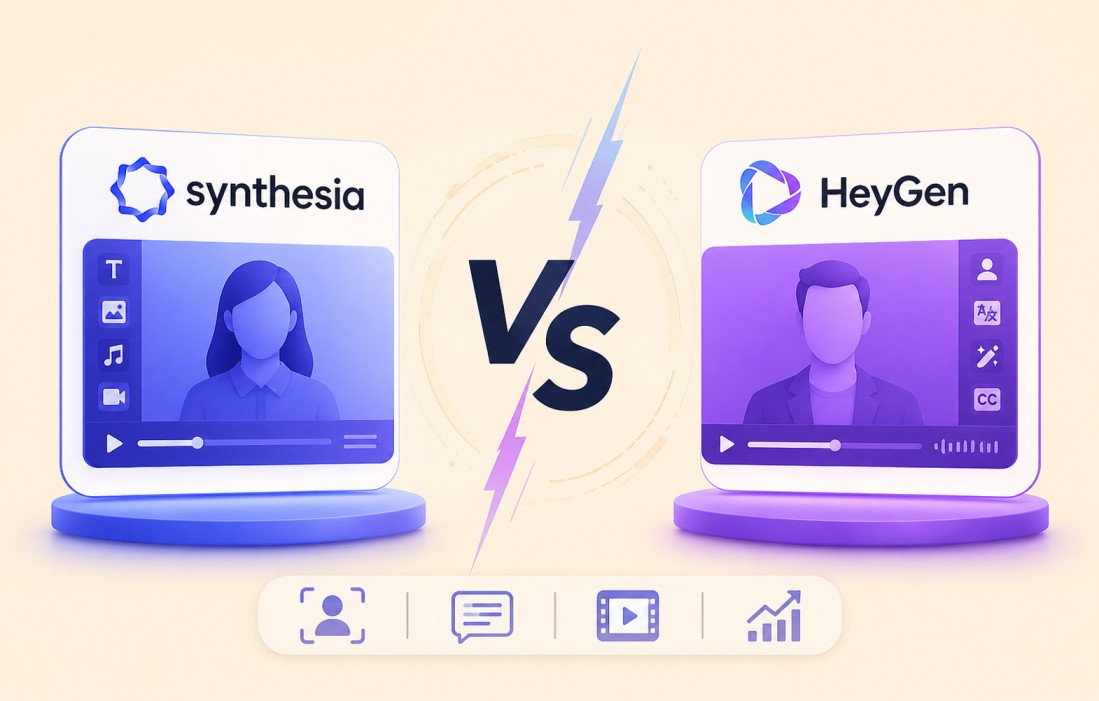
The full breakdown of avatar quality, language coverage, pricing tiers, and security certifications between these two platforms deserves its own deep dive, which is why we’ve already published a dedicated Synthesia vs HeyGen covering that ground in detail. Here’s the short version for anyone deciding which one fits their specific business need.
Synthesia is the safer default for regulated, high-volume, multilingual training content, where consistency across every rendered language and paperwork like ISO 27001 and ISO 42001 certification outweigh how expressive the avatar looks. Its editor is more rigid by design, which is exactly what a compliance team wants when the same video needs to look identical in twelve markets.
HeyGen wins when avatar realism, editing speed, and marketing-ready output matter more than enterprise governance. If the job is a fast-turnaround training refresh, a sales enablement clip, or localized marketing content, and the team doesn’t need SCORM-heavy course authoring or a formal compliance paper trail, HeyGen is generally the better-feeling tool to actually use day to day.
Where HeyGen Falls Short
The credit system undersells itself. “Unlimited videos” on the Creator plan doesn’t mean unlimited premium output, and that gap catches new subscribers off guard often enough that it shows up repeatedly in independent review data.
Support quality is inconsistent at lower tiers, according to third-party review aggregators, with pricing confusion cited as a recurring complaint theme.
It’s not a screen-recording or product-demo tool. Anything that needs to show software in action requires pairing HeyGen with a separate capture tool.
API costs are billed entirely separately from the web subscription, which is easy to miss during budgeting.
Avatar realism dips at high-energy delivery speeds and in a handful of specific language pairs.
Who Should Use HeyGen and Who Shouldn’t
HeyGen makes sense for marketing teams producing branded video content at moderate volume, L&D teams building or refreshing training modules without a full production crew, and any team that needs to localize existing video into multiple languages without re-filming a presenter each time. It also fits sales teams building personalized outreach video at scale.
It’s a weaker fit for teams that need frame-accurate editing control, anyone producing screen-capture-heavy product demos as the core deliverable, and organizations in regulated industries that need a formal compliance paper trail HeyGen doesn’t yet publish for HIPAA-covered content specifically.