

Runway AI Review 2026: Is It Still the Best AI Video Tool for Creators?
- June 6, 2026
- 0
Runway has been at the center of the AI video conversation since before the category had a mainstream audience. When Gen-1 launched in 2023, AI video meant short,
Runway has been at the center of the AI video conversation since before the category had a mainstream audience. When Gen-1 launched in 2023, AI video meant short,

Runway has been at the center of the AI video conversation since before the category had a mainstream audience. When Gen-1 launched in 2023, AI video meant short, flickering clips that impressed as a proof of concept and disappointed as a practical tool. By Gen-3 Alpha Turbo in 2026, Runway has become something genuinely different: a platform that professional video creators are integrating into real production workflows, not just using for one-off experiments.
This review is based on six weeks of hands-on testing across real creator scenarios, not benchmark prompts. The goal is to answer the actual question: for the type of video work you do, is Runway AI the right tool in 2026, or has the competition caught up enough to change the answer?
For context on how Runway compares against Kling AI and Google Veo 3 in side-by-side testing, see our best AI video generators comparison for 2026 which covers all three tools with identical prompt testing.
Runway ML is a New York-based AI company that has focused almost exclusively on video generation and post-production tooling. Unlike OpenAI (which treats video as one capability among many) or Google (which integrates video into its research and cloud infrastructure), Runway is a creator-first product company. The entire platform is built around the question of how video creators can use AI in their day-to-day work.
The primary users are video editors, content creators, marketers, indie filmmakers, and motion designers. Runway’s tools are not aimed at casual users who want to generate a single clip; they are aimed at professionals who need to generate multiple assets efficiently and integrate them into existing workflows.
The platform currently offers text-to-video generation, image-to-video animation, video-to-video style transfer, and a growing suite of post-production tools including AI background removal, color grading assistance, and audio syncing. Gen-3 Alpha Turbo is the flagship generation model as of mid-2026.
Gen-3 Alpha Turbo represents a meaningful upgrade over Gen-2 in three areas that matter most for professional use. First, temporal coherence improved significantly, meaning objects and people stay consistent across frames at a much higher rate. Second, lighting simulation became noticeably more physically accurate, particularly for interior scenes with mixed light sources. Third, generation speed in Turbo mode dropped to 45 to 60 seconds for a standard five-second clip, making iterative prompt testing genuinely feasible.
What has not changed is the credit-based pricing model, which remains a source of friction for heavy users. The model generates at 768p by default with 1080p available on higher plans, and generation at maximum quality still consumes credits at a rate that adds up quickly for creators generating dozens of clips per project.
Each scenario below was tested using 10 to 15 prompt variations to assess consistency, not just peak performance. A tool that produces one impressive clip out of fifteen attempts is not actually useful for professional work.
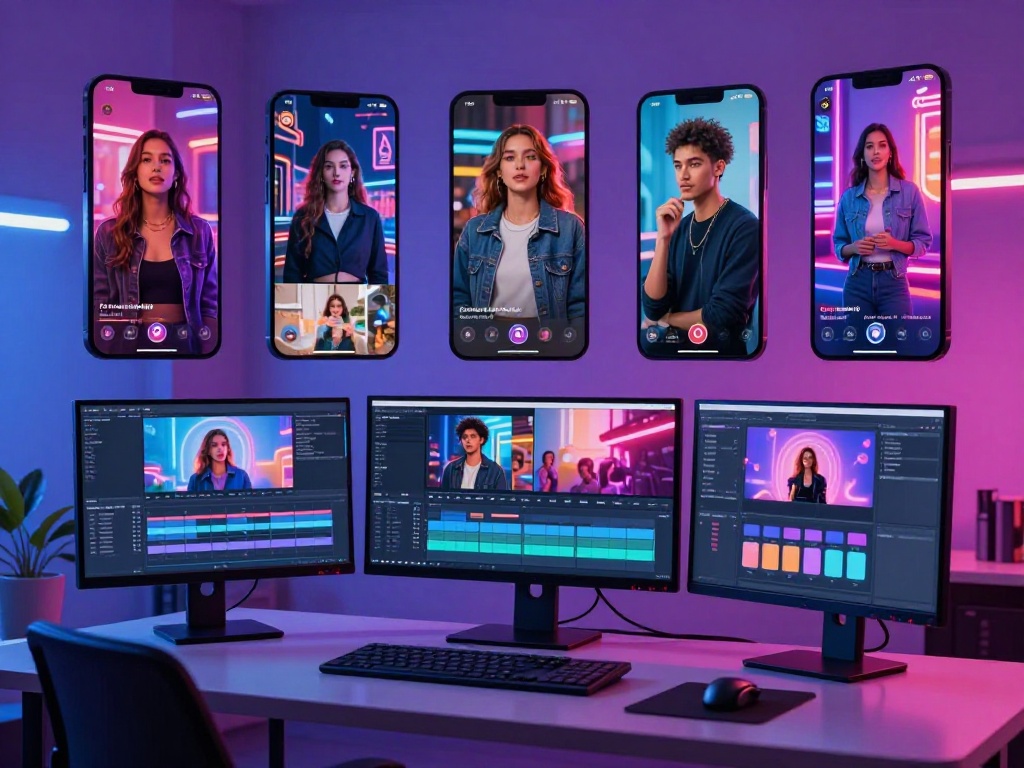
For social content, typically 15 to 30 second clips for Instagram Reels or TikTok, Runway’s output is genuinely useful as b-roll and visual filler. The challenge is that most social video requires text overlays, faces, and brand-consistent visuals, none of which Runway handles reliably without significant post-editing.
Where Runway shines for social is atmospheric and abstract content: transitions, visual effects, scene-setting shots, and branded motion backgrounds. For this category, consistency across prompts was high (about 70% usability rate across test clips).
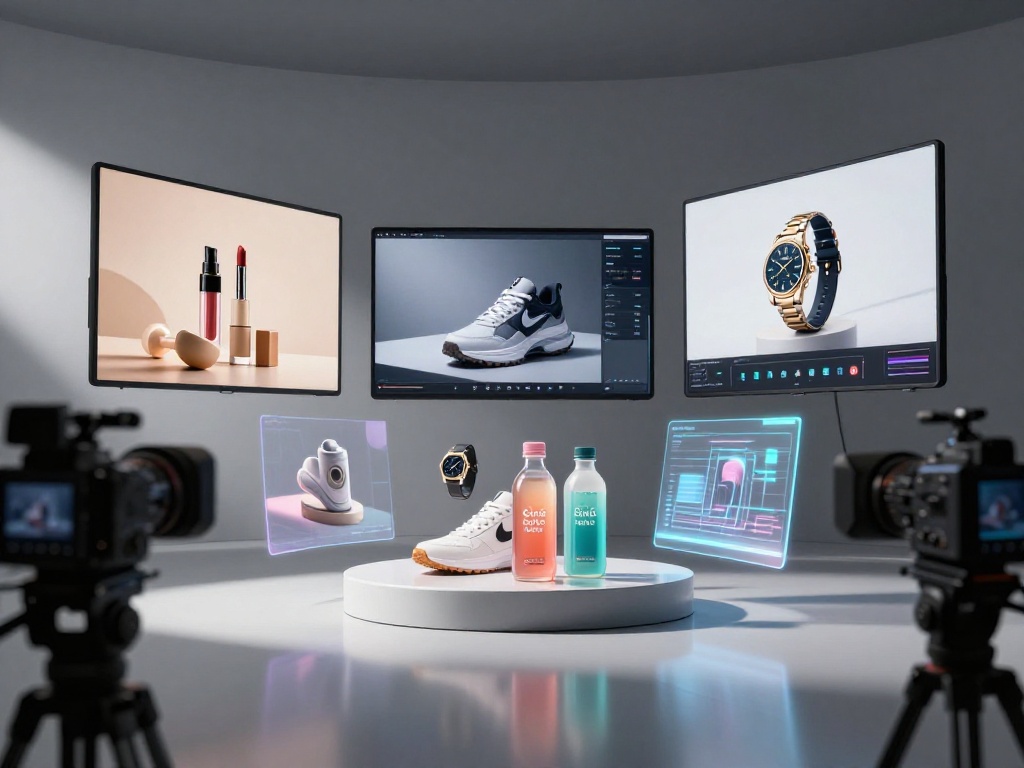
This is one of Runway’s strongest commercial use cases. Product shots with controlled camera movement, consistent object rendering, and clean backgrounds produced usable output in roughly 60% of attempts. The remaining 40% required either re-prompting or manual post-editing to correct artifacts.
For a marketing team producing dozens of product variations at different angles, Runway can meaningfully reduce the cost and time of traditional photography and motion graphics work. The limitation is complex products with fine detail, such as electronics with small text or intricate components, where the generation model loses precision.
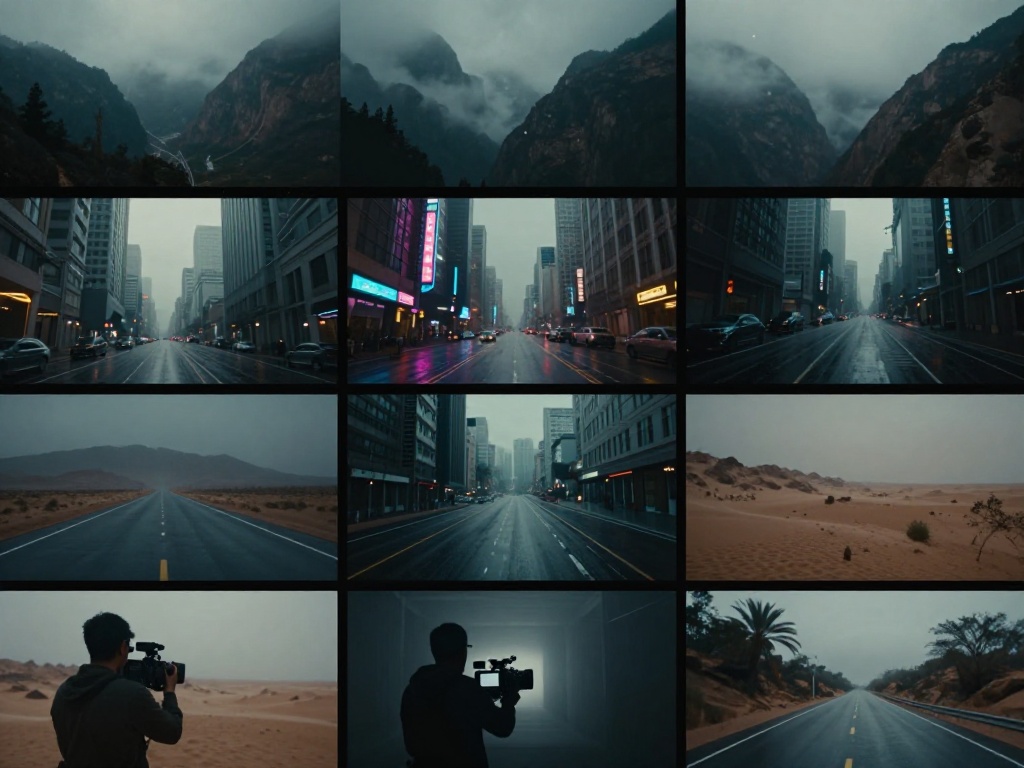
This is where Gen-3 Alpha Turbo is most impressive. Landscape shots, architectural footage, atmospheric environment clips, and abstract cinematic visuals all produce at a quality level that is genuinely useful for professional video production. The camera movement controls allow directors to specify dolly moves, pan directions, and zoom speeds, which is functionality that competitors have not matched at the same level of control.
Testing across 50 cinematic b-roll prompts yielded approximately 65% clips usable without editing, 25% requiring minor corrections, and 10% complete failures. For a tool generating clips in under a minute, that ratio is commercially viable.
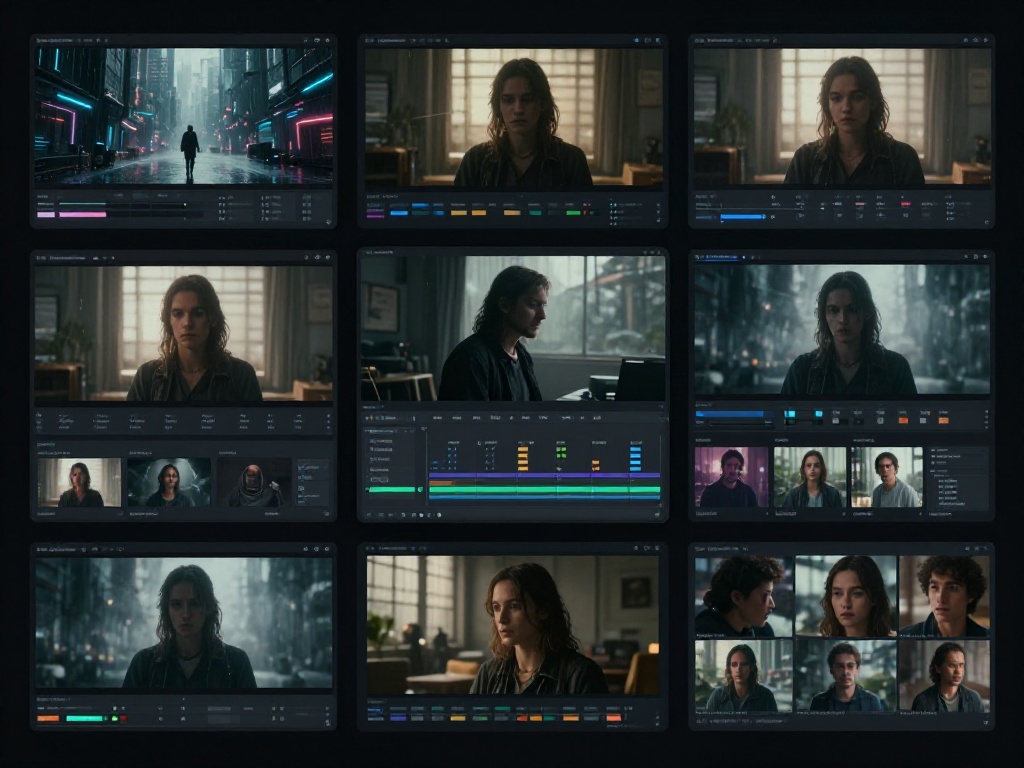
Generating a sequence of clips that tell a coherent visual story remains a real challenge. Runway’s character consistency across scenes is the main limiting factor. If a specific character appears in scene one, maintaining their appearance in scene three requires significant prompt engineering and image reference inputs.
The practical workaround most creators use is generating each scene independently and relying on editing, color grading, and narrative continuity rather than visual character consistency. This is a real limitation, not a minor caveat.
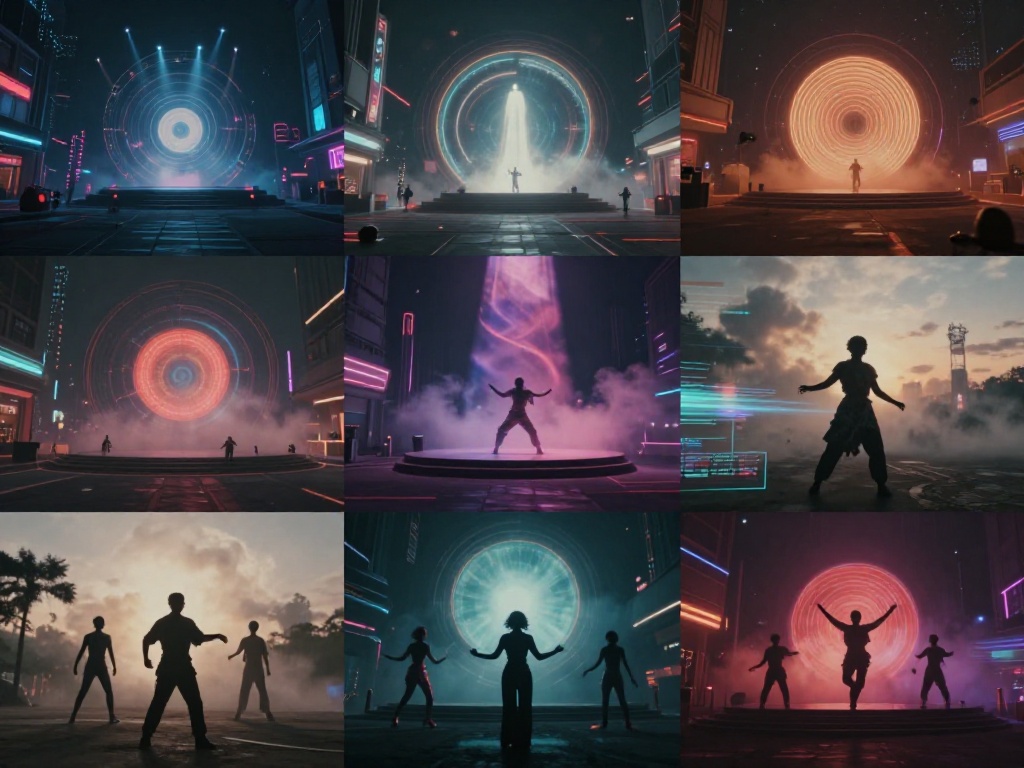
Music video production is one of the most common professional use cases for Runway among creators. For visually abstract, style-driven clips where narrative coherence matters less, Runway’s output quality is strong. Abstract visual sequences timed to music, neon-lit urban environments, surreal landscape transitions, and stylized character movement all perform well in testing.
Several independent musicians and label marketing teams have used Runway Gen-3 for full music video production, keeping a human editor for pacing, cuts, and color but using AI generation for the majority of visual content. This workflow is viable and cost-effective compared to traditional production.

For ad agency workflows, Runway has found a genuine niche in concept visualization and pre-production. Generating visual references for client pitches, animating static product images, and creating motion graphics backgrounds are all tasks where Runway’s speed and quality make it commercially attractive.
Full commercial production still requires significant human editorial work on top of AI generation. Runway is a production accelerant, not a replacement for cinematographers and directors. Studios and agencies that understand this distinction use it effectively; those expecting a plug-and-play solution are consistently disappointed.
Motion quality in Gen-3 Alpha Turbo is the best in Runway’s history and competitive with the best in the industry for non-organic subjects. Camera movements, environmental motion (water, wind, fabric), and abstract motion are all significantly better than Gen-2. Human and animal movement remains less convincing, with Kling AI outperforming Runway specifically in this area.
Runway’s prompt adherence improved meaningfully with Gen-3. Technical cinematic language, such as specifying aperture-style bokeh effects, specific color grades, or named cinematographic techniques, produces more predictable results than in previous generations. The model has clearly been trained on professional cinematography vocabulary in a way that Gen-2 was not.
The main area where prompt adherence breaks down is with complex multi-element scenes. Asking for two specific characters interacting in a specific environment while a specific camera move happens tends to produce partial results, with one or two elements rendering correctly and others drifting.
The camera movement control system remains Runway’s most distinctive technical capability. The ability to specify camera move type, speed, and direction with named presets (dolly, tilt, orbit, zoom) and custom adjustments gives directors a level of control over AI-generated footage that no other consumer-accessible tool currently matches. For creators who think in cinematographic terms, this is genuinely valuable.
| Plan | Price | Credits/Month | Max Resolution | Best For |
| Basic | $0 | 125 credits | 720p | Casual experimentation |
| Standard | $15/month | 625 credits | 1080p | Hobbyists and light users |
| Pro | $35/month | 2,250 credits | 1080p + priority | Active content creators |
| Unlimited | $95/month | Unlimited (standard quality) | 1080p | High-volume creators |
| Enterprise | Custom | Custom | Custom | Studios and agencies |
The credit system is the main pricing friction point. A five-second clip at standard settings consumes roughly 5 credits per second of runtime. For creators iterating on prompts to find the right output, credits deplete quickly. The Pro plan at $35/month is the practical minimum for anyone using Runway regularly in a professional workflow.
Runway exports clean H.264 and ProRes files, which integrate without friction into Adobe Premiere, DaVinci Resolve, and Final Cut Pro. The Video-to-Video capability, which applies AI stylization and motion effects to existing footage, is particularly useful for post-production editors who want to enhance existing shots rather than generate from scratch.
Runway’s Asset Library and project organization within the platform are well-designed for teams managing large numbers of generated clips. Version history lets creators track prompt iterations, which is practically useful for iterative creative workflows.
For creators using AI tools across their full workflow, including writing scripts and copy, our piece on how AI writing actually works is a useful companion read for understanding where text generation and video generation overlap.
Turbo mode generation for a five-second clip averages 45 to 60 seconds under normal server load. Standard mode takes 90 to 120 seconds. During peak hours (typically US evenings), generation times increase by 30 to 50% on lower tier plans. Pro and above users receive priority queuing.
Runway’s uptime over the testing period was high, with no significant outages. Occasional slow generation periods were the main reliability issue, which matters most for creators working against deadlines.
| Category | Runway Leads | Competitor Leads |
| Camera movement control | Yes, strongest in category | |
| Organic motion realism | Kling AI v2.0 | |
| Raw visual quality at 1080p | Google Veo 3 | |
| Workflow and editing integration | Yes | |
| Generation speed | Yes (Turbo mode) | |
| Character consistency across scenes | Partial | None currently excellent |
| Text rendering in video | Veo 3 (marginally) | |
| Pricing value at high volume | Kling AI | |
| API developer access | Veo 3 (Vertex AI) | |
| Creator-first product design | Yes |
Professional video editors and post-production teams: Runway’s workflow integration, export quality, and Video-to-Video tools make it the most practical AI video tool for people already working in professional NLE environments.
Marketing and brand content creators: Product visualization, b-roll generation, and motion backgrounds are all strong use cases. Budget the Pro plan and expect to spend time on prompt iteration.
Indie filmmakers: Runway is genuinely useful for concept visualization, scene pre-visualization, and supplemental b-roll. It is not a cinematography replacement for principal photography.
Social content creators: Useful for visual filler and atmospheric content. Limitations around faces and text mean most social video still requires human filming for hero shots.
Agencies creating client pitch materials: Strong use case. Fast generation for concepting and visualization makes Runway highly useful in pre-production.
| Strengths | Weaknesses |
| Best camera movement control in the category | Credit system adds up quickly for heavy users |
| Strong cinematic b-roll quality | Character consistency across scenes is limited |
| Excellent workflow integration with professional NLEs | Text rendering in video is unreliable |
| Fast Turbo mode generation | Organic human/animal motion behind Kling AI |
| Creator-first product design and UX | Highest quality output requires Pro+ plan |
| Improving prompt adherence for cinematic language | Raw visual quality at 1080p behind Veo 3 |
Runway is the best overall AI video tool for professional creators in 2026 specifically because of its workflow maturity and camera control capabilities. It is not the best on every individual quality metric. Veo 3 produces higher resolution output. Kling handles movement more naturally. But Runway is the only tool that integrates into real production workflows without significant friction, and for most professional creators, that matters more than any single output quality metric.
If you are actively comparing your options, our full AI video generators comparison tests Runway, Kling, and Veo 3 side by side with identical prompts and a full scoring breakdown.
Is Runway AI free to use?
Runway offers a free Basic plan with 125 credits per month, enough for light experimentation. For regular professional use, the Pro plan at $35/month is the practical minimum.
How does Runway Gen-3 compare to Sora?
Sora (OpenAI) has demonstrated higher maximum video quality in controlled examples but remains limited in public availability as of mid-2026. For creators who need a tool they can use today in a real workflow, Runway Gen-3 Alpha Turbo is the more practical option. Sora’s broader availability remains a key variable to watch.
Can Runway AI generate videos with consistent characters?
Partially. With image reference inputs, Runway can maintain character appearance more reliably than without them, but perfect character consistency across multiple scenes remains an unsolved challenge for all current AI video tools.
What is the maximum video length Runway can generate?
Standard generation creates clips of 5 to 10 seconds. Longer sequences are created by generating and editing together multiple clips in post-production. Runway does not currently support single-generation clips longer than approximately 10 seconds.
Is Runway AI good for beginners?
Runway has a learning curve that rewards creators who understand cinematography and video production concepts. Complete beginners will find the prompt control system less intuitive than tools like Pika or CapCut AI, which are designed for casual users. Runway is optimized for people who already think in terms of shots, camera movements, and lighting.
How does Runway compare to Kling AI in 2026?
Runway leads on camera movement control, workflow integration, and cinematic b-roll. Kling leads on organic motion realism and pricing value for high-volume generation. The full comparison is covered in detail in our AI video generators head-to-head review.