
Midjourney V7 Review: Testing the AI Image Generator’s Latest Update
- August 5, 2026
- 0
Midjourney has spent three years as the default answer to “which AI image tool makes things look good.” V7 is the version where that reputation gets tested against
Midjourney has spent three years as the default answer to “which AI image tool makes things look good.” V7 is the version where that reputation gets tested against
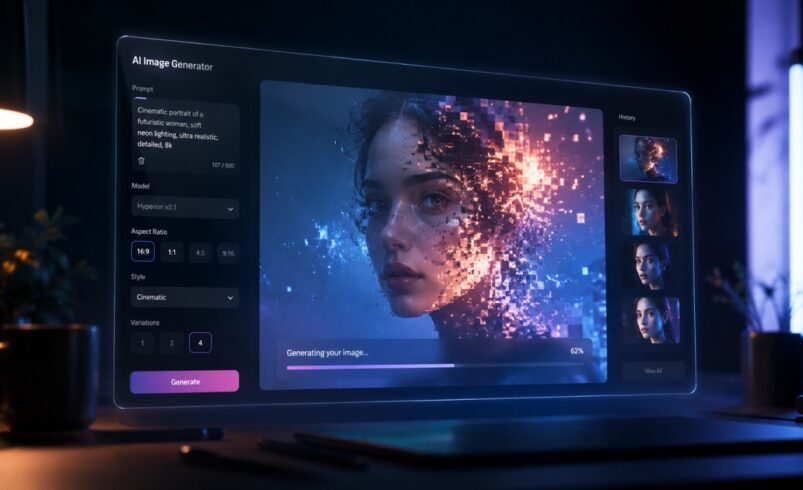
Midjourney has spent three years as the default answer to “which AI image tool makes things look good.” V7 is the version where that reputation gets tested against real competition, not just against its own earlier releases. Flux, Nano Banana Pro, Ideogram and Google’s Imagen line have all closed gaps that used to belong to Midjourney alone. So the question worth answering isn’t whether v7 is an upgrade. It clearly is. The question is whether that upgrade is enough to keep Midjourney at the top of a list it no longer has to itself.
V7 isn’t a patch on top of v6. Midjourney rebuilt the underlying architecture, and it shows in the details that used to give AI images away. Hands render with the right number of fingers more consistently. Reflections, fabric folds and small background objects hold their shape instead of smearing. Prompt interpretation is noticeably tighter, especially with prompts that describe a single subject, a single light source and a single setting.
That last point matters more than it sounds. Midjourney still allocates its rendering “attention” unevenly. Give it one clear focal point and it commits everything to nailing that shot. Give it a busy scene with several competing elements and quality drops across all of them, not just the extra ones.
Two changes reshape how people actually use the tool day to day, and neither one is about image quality directly.
The first is Personalization v2. You rate a set of your own images, and Midjourney builds a profile of your visual taste that runs quietly behind every prompt afterward. It’s the difference between typing “portrait, moody lighting” and getting a result that already leans toward the color grading and composition you tend to pick.
The second is the web interface at midjourney.com, which now handles everything Discord used to gatekeep. Inpainting, outpainting, retexturing, and prompt history all live in one place, with folders and comment threads for teams working on the same board. Discord still functions if you prefer it, but it’s optional rather than required, which removes a genuine barrier for anyone who found the command syntax off-putting.
Draft Mode is the feature that changes workflow more than it changes output. It renders roughly ten times faster and at a fraction of the GPU cost of a standard job, in exchange for lower fidelity and softer fine detail.
The intended use is volume. Generate fifteen or twenty rough concepts to find a direction, then re-run the one that works in Fast or Turbo mode for a finished result. That’s a meaningfully different way of working than the old cycle of committing full-cost credits to every idea before knowing if it was any good.
The tradeoff shows up in specific places. Hands hold their shape better than in earlier versions, but draft compression still softens fine detail, and text rendered inside an image loses whatever legibility it had at full quality. Treat Draft Mode as a sketchpad, not a delivery format.
Character and object consistency has been the single biggest complaint about Midjourney for years. Two renders of the “same” person from different angles rarely looked like the same person. Omni Reference is the fix, and it’s a real one.
Upload a reference image, and Midjourney locks onto that subject’s identity, whether it’s a person, a product, a vehicle or a costume, and carries it into new scenes, poses and lighting setups. References can stack, so a campaign built around one character can also lock in a consistent art style at the same time.
There are real limitations worth knowing before you build a workflow around it. Omni Reference runs at twice the GPU cost of a standard generation, it doesn’t currently work with Draft Mode, Fast Mode or Conversational Mode, and images produced with it aren’t compatible with Vary Region, Pan or Zoom Out until they’ve been stripped of the reference parameters inside the editor. For anyone producing a lookbook, an ad series or a recurring brand mascot, it’s still worth the cost. For quick one-off images, it’s overkill.
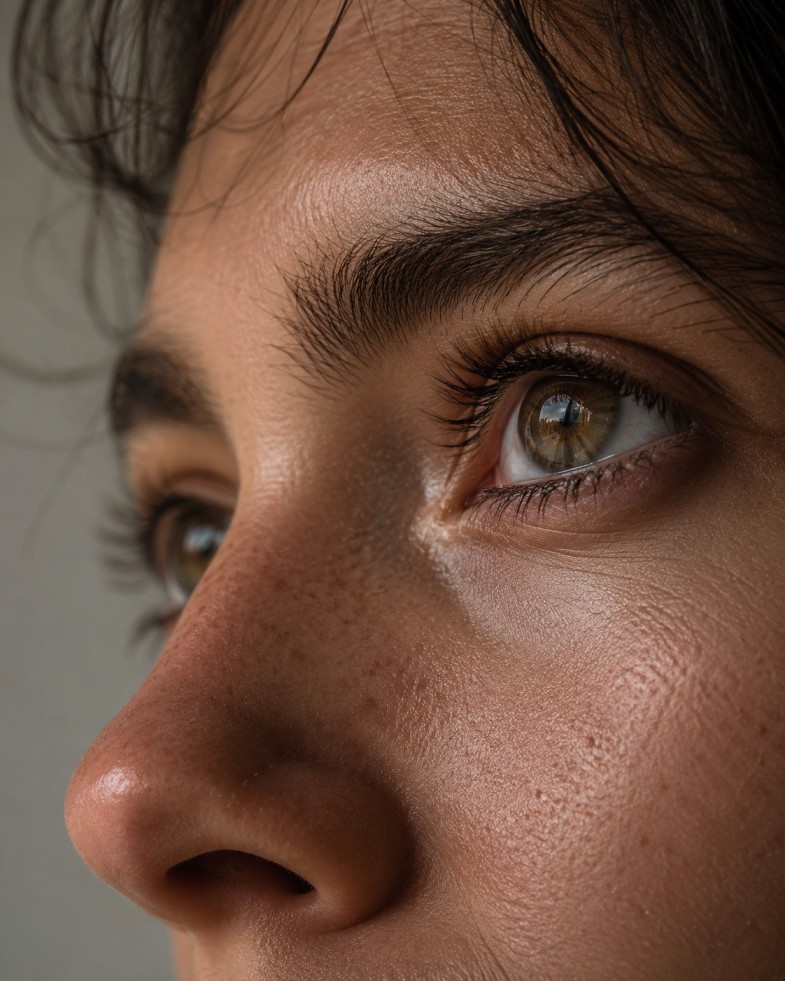
Midjourney’s strongest results still come from tightly controlled scenes. Extreme close-ups, portrait work and macro photography come out with the kind of texture detail, pore-level skin rendering and reflective surface accuracy that made the tool’s reputation in the first place.
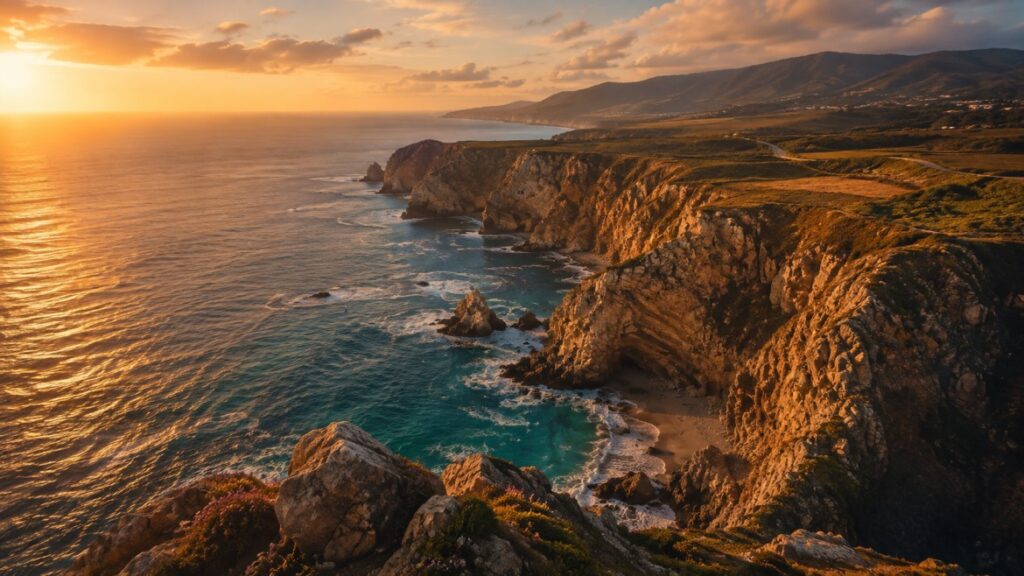
Wide aerial and landscape shots hold up well too, with correct depth layering between foreground, midground and background, even if the fine detail in those wider frames lags slightly behind the close-up work.
There’s also a consistent aesthetic bias running under all of it. Midjourney leans toward clean lighting, controlled contrast and a filmic color palette by default, whether or not the prompt asks for that look. In portrait and product work, that bias reads as art direction. It’s part of why Midjourney images tend to look more finished, straight out of the box, than output from tools that stick closer to literal prompt instructions.
That bias isn’t something you fully turn off. You can push against it with parameters that widen stylistic range, and the results will drift further from the default look, but the underlying preference for a polished, cinematic frame doesn’t disappear. Anyone coming from a tool that renders more literally will notice the difference immediately, for better or worse depending on what the brief actually calls for.
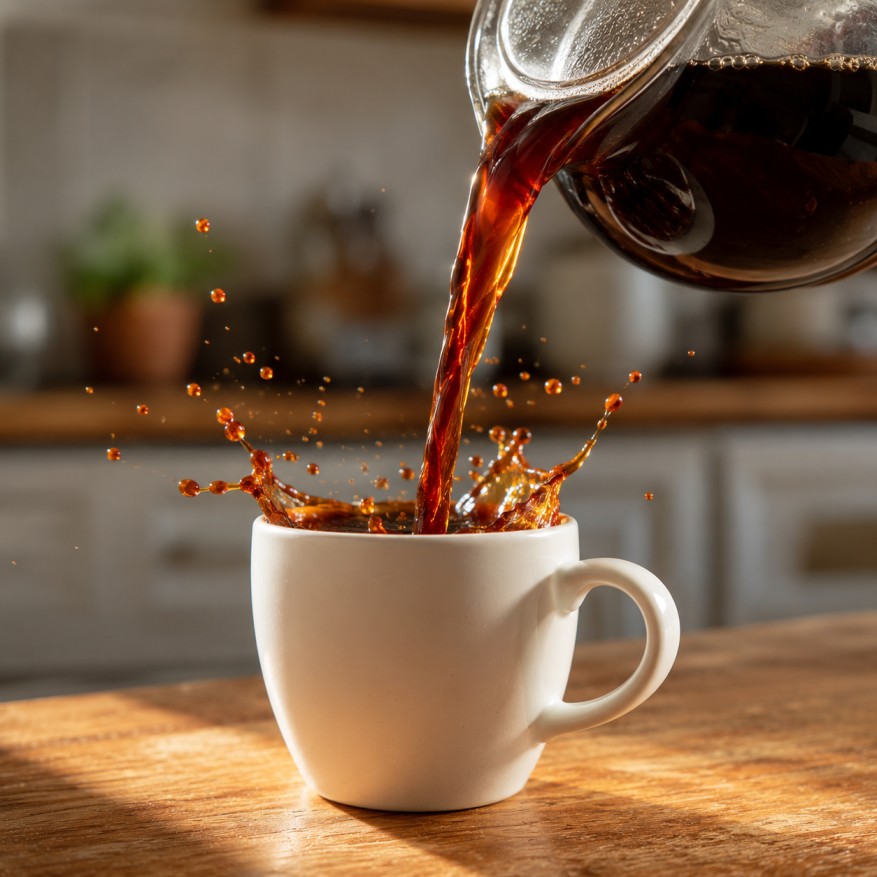
The same aesthetic bias becomes a liability once physics enters the frame. Explosions, splashes, smoke and anything involving chaotic motion tend to come out too symmetrical and too clean to read as real. A coffee pour looks like a smooth ribbon rather than a turbulent stream. A fire looks art-directed rather than accidental. Midjourney is, at its core, still optimizing for beauty over accuracy, and scenes that depend on believable chaos expose that tendency clearly.
Text inside images is another weak point that hasn’t fully closed, even with the architecture rewrite. Short labels and single words fare reasonably well. Full sentences, logos with specific typography, or anything requiring exact character accuracy still come out garbled more often than not. Repeating patterns, tiled textures and scenes with several near-identical objects also tend to drift, with small inconsistencies creeping in across the repetitions.
None of this makes v7 unreliable. It makes it a tool with a defined lane. Portraits, product shots, environmental scenes, concept art and storyboard frames all sit comfortably inside that lane. Precise typography, physically accurate simulation and dense multi-object scenes sit outside it.
Worth noting too is how these limitations tend to compound. A prompt combining several difficult elements at once, say a busy street scene with visible shop signage and people mid-motion, will show every one of these weaknesses simultaneously rather than one at a time. Breaking a complex idea into simpler, separately generated pieces and combining them in the editor afterward usually gets better results than trying to force one dense prompt to carry the whole scene.
For a closer look at how Midjourney stacks up against one specific rival, another head-to-head we’ve run on Midjourney breaks down the comparison in more detail
Midjourney still runs on a subscription model with no ongoing free tier. Four plans cover the range, Basic at $10 a month, Standard at $30, Pro at $60 and Mega at $120, each with a 20 percent discount if you commit annually.
The Basic plan gets a limited allowance of Fast GPU time and no Relax Mode, which makes it workable for occasional use but tight for anyone generating daily. Standard and above unlock Relax Mode, effectively unlimited generation at a slower queue speed, which is where most regular users end up settling. Pro and Mega add Stealth Mode for private generations and a larger allocation of Turbo priority queue time, aimed at agencies and teams running production volume. Extra GPU time beyond a plan’s allowance is billed separately at $4 an hour.
Commercial usage rights come attached to every paid tier, with one carve-out. Basic plan subscribers need to stay under $1 million in annual company revenue to use outputs commercially. Standard and above have no such restriction. Video generation, which Midjourney added as a separate capability, runs on the same GPU-time billing model but at a noticeably higher rate per job than a still image, so it’s worth budgeting separately rather than assuming it fits inside a typical monthly allowance.
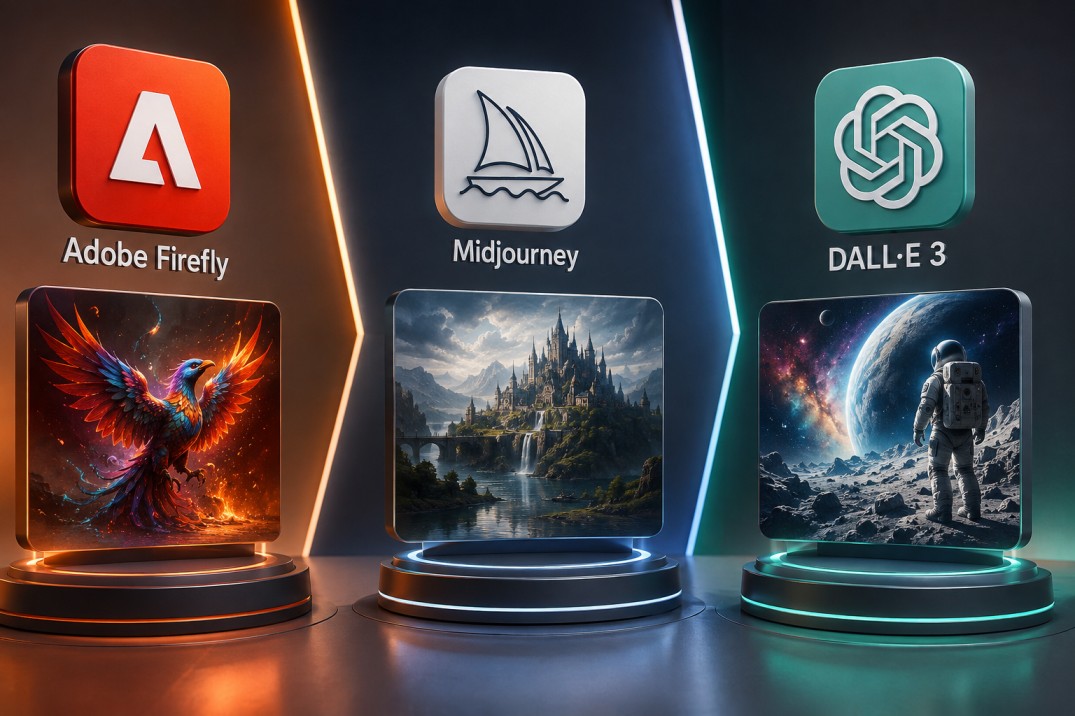
Midjourney is no longer the automatic best answer for every image generation task, and it’s worth being direct about that instead of defaulting to old assumptions.
Against Flux Pro, the tradeoff is fairly clean. Flux tends to win on photorealistic human faces and on text accuracy inside images. Midjourney still leads on aesthetic cohesion and mood, the kind of image that looks intentionally composed rather than technically correct. Against Nano Banana Pro, independent benchmark testing has shown a measurable edge for Nano Banana Pro on precision and character consistency across a structured scoring system, even as Midjourney posted a strong overall result of its own. Ideogram and Ranked text-focused tools remain the stronger pick specifically for typography-heavy work, while Stable Diffusion and open-weight alternatives still appeal to anyone who wants local control or a workflow that doesn’t run on a subscription.
The honest read is that Midjourney’s differentiation has narrowed. It used to be the only tool that produced consistently beautiful output. Now it’s one of several tools that do, and the reasons to pick it specifically come down to its particular aesthetic signature, Omni Reference’s consistency handling, and a web editor that’s matured into something genuinely usable for production teams.
None of that makes the comparison a formality. Teams already standardized on a particular pipeline, especially ones with Flux or Nano Banana Pro built into an existing API workflow, don’t have an obvious reason to switch tools just because v7 shipped. The stronger case for Midjourney is for creators who value the finished, art-directed look as the default output rather than something they have to engineer through extensive post-processing, and who are willing to work inside the constraints that come with a subscription-only, GPU-time-billed platform.
Creators building storyboards, concept art, mood boards and pre-production visuals get the most direct value from v7, since the tool’s strengths line up almost exactly with what that work needs. Draft Mode’s cheap iteration and Omni Reference’s consistency handling were clearly built with that kind of repeated, series-based output in mind.
Marketing and brand teams producing a recurring character or product across multiple placements benefit from the same combination, though the added GPU cost of Omni Reference is worth factoring into a production budget before committing a whole campaign to it.
Anyone whose work depends on accurate text inside the image, tightly controlled physical simulation, or dense scenes with many distinct objects will still hit the same friction v6 users did. The architecture changed. The category of problems it struggles with mostly didn’t.
For everyone else weighing whether to open a subscription or upgrade an existing one, the practical test is simple. Look at the kind of images your work actually needs, and check whether they fall inside Midjourney’s lane of tightly framed portraits, product shots, and environmental scenes, or whether they depend on the details it still gets wrong.