Best Perplexity Alternatives for AI Research in 2026
October 10, 2026
0
The best Perplexity alternatives depend on what you need to research. ChatGPT and Gemini are worth considering for web research that continues into analysis or writing. Claude offers
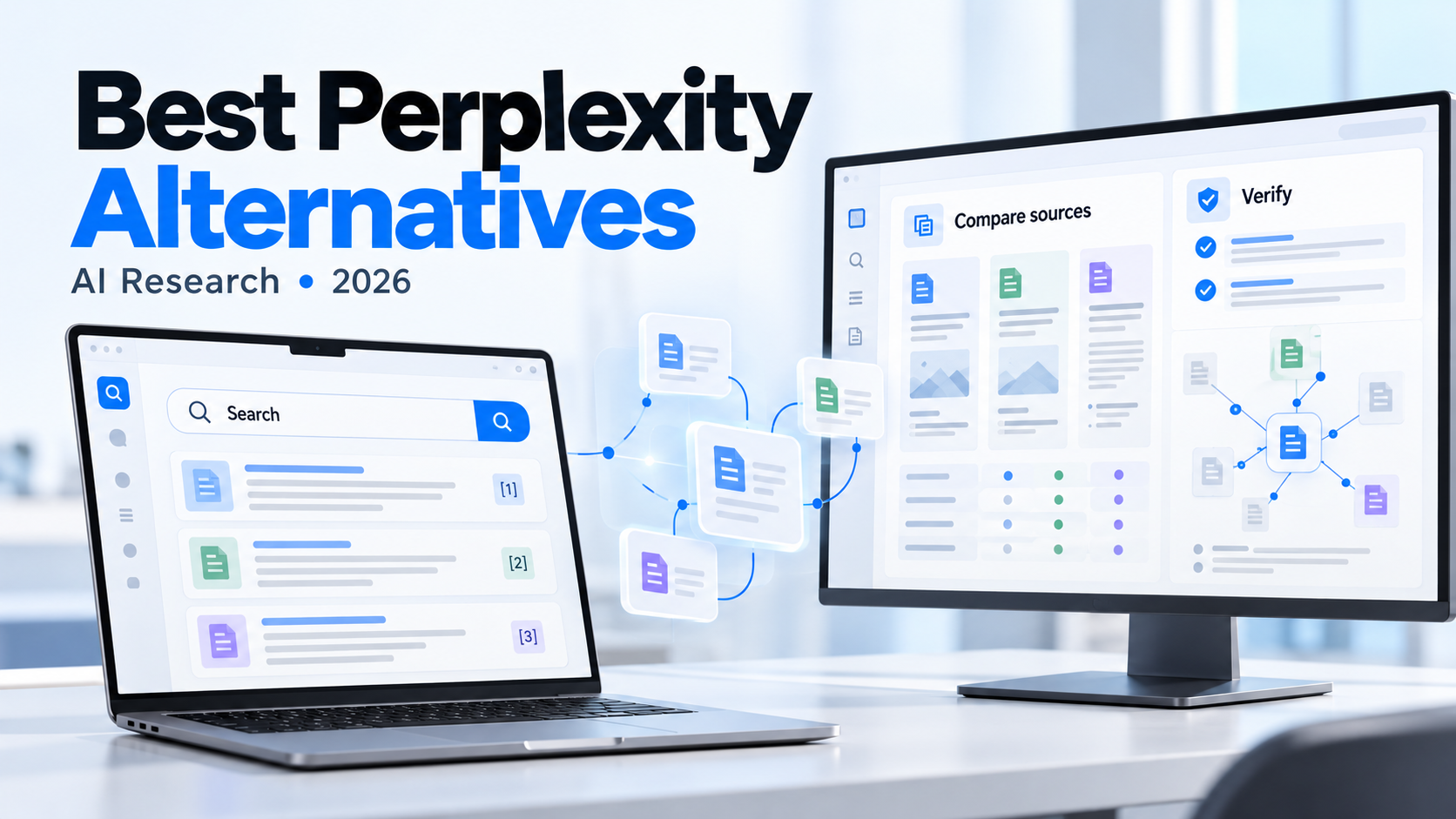
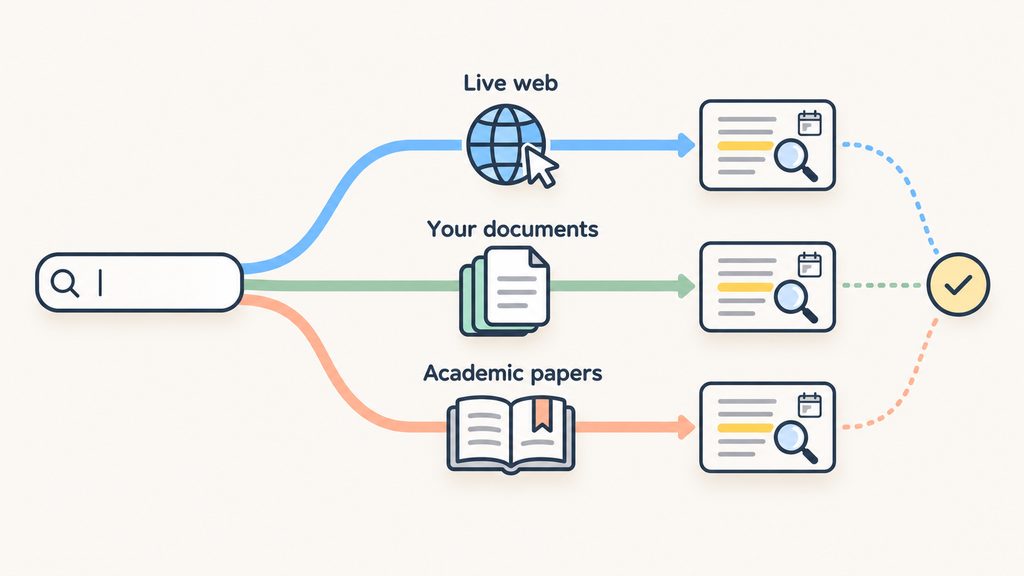
The best Perplexity alternatives depend on what you need to research. ChatGPT and Gemini are worth considering for web research that continues into analysis or writing. Claude offers another conversational research option. Gemini Notebook, formerly NotebookLM, suits work around a selected source collection, while Consensus and Elicit focus on academic literature.
Start with the evidence you need. Researching a recent product announcement, comparing company reports, and reviewing scientific studies call for different sources and different ways to check the answers.
This guide compares six Perplexity alternatives by research fit, source transparency, limitations, and free-versus-paid access. The aim is to help you choose a useful research workflow without treating a polished answer as proof of accuracy.
Perplexity Alternatives at a Glance
Use this shortlist to identify which Perplexity AI competitors deserve a closer look. The recommendations describe research fit. Answer accuracy is a separate question.
Tool
Recommended research task
What to examine before choosing
ChatGPT
Moving from web research into analysis and drafting
Search versus Deep Research access, source controls, and usage limits
Gemini
Combining web research with a Google-oriented workflow
Selected sources, connected-account permissions, and report limits
Claude
Exploring a topic through conversational research
Supporting citations and access to research features
Gemini Notebook
Comparing material within a selected source collection
Source coverage and the passages supporting an answer
Consensus
Exploring questions through academic papers
Whether support comes from full text or an abstract
Elicit
Finding and organizing papers for a literature review
Extraction quality, paper access, and plan restrictions
How We Compared These AI Research Tools
This comparison draws on official product documentation and published plan information. It does not claim hands-on benchmark results. Features and quoted prices were checked on October 10, 2026.
We consider five questions: Which sources can the tool retrieve? Can you inspect the supporting evidence? Can it access current information? Does its workflow suit the task? What access changes between free and paid plans?
“Provides citations” is only a starting point. OpenAI’s own Search documentation warns that search results and citations can be incomplete, outdated, or incorrect. Check the source behind a claim before relying on it.
Six Perplexity Alternatives for Different Research Needs
ChatGPT for Research That Continues Into Writing
ChatGPT fits when finding information is only the first step. For example, you might research competing products, compare their documented features, and then develop an article outline from the findings.
Choose the research mode deliberately. Search retrieves recent web information for shorter answers. Deep Research handles more involved questions and produces a documented report. According to OpenAI’s Deep Research guide, it can use the public web, uploaded files, and eligible connected sources. You can also restrict research to specified websites or prioritize them while allowing broader search.
Restricting sources is useful when you need official documentation rather than a mixture of vendor claims and third-party summaries. A writer comparing software could prioritize each vendor’s help center, then inspect the cited pages before drafting.
The limitation is verification, since a sourced report still needs checking. Confirm that each important citation supports the wording, date, and scope of the claim.
Gemini suits research that combines public information with material stored in Google services.
Gemini Deep Research includes Google Search by default. You can select other sources, including Gmail and Drive when the required Google Workspace connection is enabled. You can also deselect Google Search to focus on the selected material.
Consider a project brief supported by internal documents and recent market information. Those source options could help bring the material into one research task. Before starting, decide whether the report should use public sources, connected documents, or both.
Gemini creates a research plan that you can edit before it runs. Use that step to narrow the question and specify the evidence you need. A broad request such as “research this industry” gives you less control than a brief with defined questions and dates.
The main limitation: connected-source access depends on setup, and research requests have limits. Pro and Ultra subscribers receive higher report allowances.
Free versus paid: You can begin without a paid AI subscription. Google currently lists AI Pro at US$19.99 per month on its US page; regional prices and offers may differ. Check the current Google AI plans before subscribing.
Claude and Conversational Research
Claude works well when you want to explore a topic through follow-up questions. You might research a software category, ask which claims need stronger evidence, and then compare the explanations offered by different sources.
According to Claude’s web-search documentation, web-backed responses include source links and direct citations. Claude can also retrieve webpages from URLs you provide, which is useful when you want to discuss a particular announcement or article.
For a focused comparison, provide the relevant pages and ask Claude to separate documented facts from interpretation. For example: “Compare these vendors’ published security features. Identify anything the sources do not establish.” This gives the conversation a clear evidence boundary.
The main limitation: web searches and page retrieval count toward usage limits. Analyzing a long linked document can consume a substantial share of a free account’s allowance. This matters if your research involves several lengthy reports.
Free versus paid: Claude’s free plan includes web search. Its pricing page lists Pro at US$20 when billed monthly, or US$200 billed annually, before applicable tax. Paid access increases usage, and important citations still need inspecting.
Gemini Notebook for a Source Collection You Already Have
Gemini Notebook, formerly NotebookLM, is a useful option when you already know which documents should inform your research. Google’s current documentation uses the Gemini Notebook name, although readers may recognize the earlier branding.
You can add supported documents and web sources, then select which material a conversation should use. It also offers source discovery and Deep Research, so you can look beyond files you already possess. You can review discovered sources before importing them into a notebook.
Consider comparing three company reports. Add them to one notebook, ask the same question across all three, and examine the evidence behind each answer. Google’s chat documentation explains that selecting a citation takes you to the supporting material in context.
The main limitation: importing a webpage brings in its text only. Google says HTML imports include text, while images, embedded videos, and nested pages are excluded. Paywalled webpages are unsupported. An omitted chart could therefore contain evidence your notebook has not received.
Free versus paid: Free access is available, with higher limits and additional features through eligible Google AI, Workspace, or Cloud plans. Check the upgrade options against your existing subscription before paying for another plan.
Consensus for Questions Answered Through Papers
Consensus belongs on your shortlist when a question needs research-paper evidence rather than general web commentary.
Its useful distinction is citation visibility. According to the Consensus citation guide, hovering over an inline citation shows the supporting quote. A checkmark indicates that the analysis used the paper’s full text; without one, it relied on the abstract and available metadata.
The distinction matters when assessing a study. An abstract can introduce the findings, but you may need the methods, sample details, and limitations before using them in an article.
For example, a question about remote work and productivity could help you discover relevant studies. Your next step should be to examine how each study defines productivity and which workers it covers.
The main limitation: a summary of several papers leaves some research questions open. The Consensus Meter shows how the retrieved top papers lean, which is narrower than a verdict from the entire scientific community.
Free versus paid: The free tier includes unlimited paper searches with limited AI-analysis allowances. Consensus Pro costs US$20 monthly, or US$144 billed annually, equivalent to US$12 per month.
Elicit for Building a Literature Review
Elicit makes sense when your task involves building a literature review rather than answering one question.
Its literature-review workflow supports paper discovery, screening, data extraction, and evidence synthesis. Elicit says extracted information includes supporting quotes or figures, allowing researchers to inspect the source behind an entry.
A practical approach is to define your comparison fields before extracting information. For a review of workplace training studies, those fields might include participants, training format, study duration, and measured outcomes. Consistent fields make differences between papers easier to examine.
The main limitation: organized extraction still needs human review. Check that a field captures the study’s actual meaning, particularly when methods or outcome definitions differ. A tidy table can make unlike findings appear more comparable than they are.
Free versus paid:Elicit Basic is free and includes paper search, summaries, and source viewing, with limited research-agent and report usage. Elicit’s pricing page lists Pro at US$588 billed annually, equivalent to US$49 per month. Check the selected plan and billing option before subscribing.
Check the Evidence Behind an AI Answer
A citation gives you somewhere to check. The answer can still be wrong. OpenAI’s Search documentation explicitly warns that results and citations can be incomplete, outdated, or incorrect.
Before using an important claim, follow four steps:
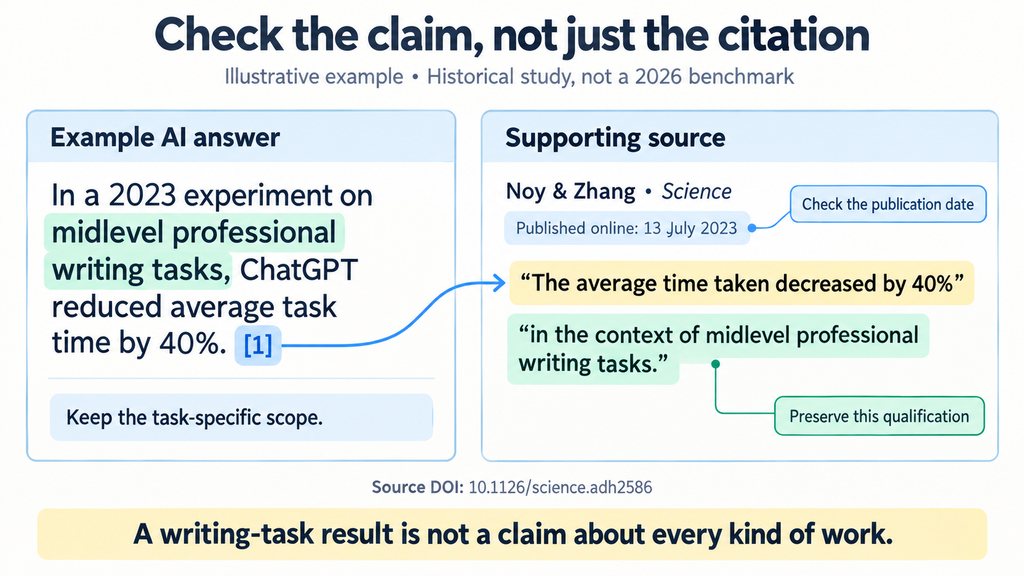
Open the cited source. Check whether it supports the specific statement, rather than simply discussing the same topic.
Check the date and scope. A feature may apply to a different subscription, software version, country, or study population.
Identify what the tool accessed. An abstract, excerpt, or imported webpage may omit important methods, tables, or qualifications.
Preserve the source’s uncertainty. “Associated with” should not become “causes,” and a preliminary finding should not become an established conclusion.
Choose according to the next task in your research:
Research followed by analysis or drafting points to ChatGPT.
Web research alongside Google-connected material favors Gemini.
Exploration through follow-up questions suits Claude.
Comparison within a selected source collection fits Gemini Notebook.
Questions answered through academic papers points to Consensus.
Paper screening and structured literature reviews calls for Elicit.
Treat these as starting points for a trial. Try a representative question on the free tier and inspect the evidence before subscribing.
If Perplexity already meets your needs, switching may add little value. A specialist tool could complement it. Our guide to building an AI workflow can help you place research, drafting, and review in a practical sequence.
Frequently Asked Questions
What Is a Good Free Perplexity Alternative?
ChatGPT Search is a practical free AI search engine alternative for everyday web questions. Claude and Gemini both offer free ways in. For academic work, try the free tiers of Consensus or Elicit. Compare the limits for the features you actually need before paying.
Which Perplexity Alternatives Are Useful for Academic Research?
Consensus suits questions explored through published papers. Elicit suits finding, screening, and organizing literature. Gemini Notebook is useful when you already have a collection to examine. Your choice depends on whether you need discovery, structured extraction, or source-focused discussion.
Do AI Tools with Citations Always Provide Accurate Answers?
No. A citation can point to relevant material without supporting the exact claim. Open the source, read the surrounding passage, and check its date and limitations before using the answer in published work.