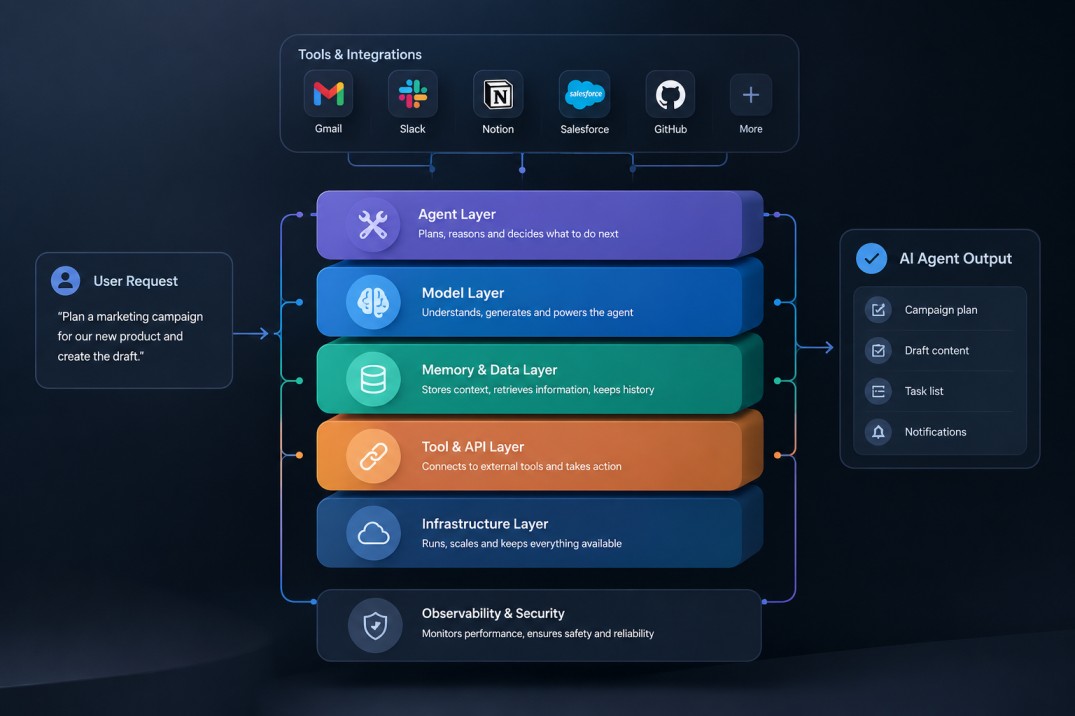
Most AI tools announce themselves loudly. NotebookLM took a different path. While the rest of the industry competed on raw generation speed and chatbot personality, Google’s research tool spent 2025 and early 2026 quietly becoming something genuinely different: a grounded, citation-anchored workspace that treats your sources as the center of gravity, not an afterthought.
The version most people evaluated in early 2024 was impressive but limited. Useful for PDF summarization, occasionally surprising as a question-answering tool, but still feeling experimental. What exists in mid-2026 is substantially different, and the upgrade cycle has been one of the more consistent in the AI space.
This review covers everything that changed, what it actually performs like across real research tasks, and whether any of the four pricing tiers make sense for your situation.
What NotebookLM Actually Is, and What It Is Not
NotebookLM is not a general-purpose AI assistant. That distinction matters because it shapes every interaction you have with the tool. You load sources, whether documents, PDFs, YouTube videos, Google Drive files, web URLs, or audio, and the AI operates exclusively within those sources. It does not hallucinate information from outside your notebook because it is architecturally constrained to what you uploaded.
This grounding is what makes it genuinely useful for serious research. Every answer includes citations that link back to the exact passage in the source that supports the claim. Researchers, journalists, consultants, and students working on evidence-heavy projects get something fundamentally different from a regular AI chat session: an assistant that cannot make things up about your material.
The limitation is the flip side of that strength. If you need something not present in your sources, NotebookLM will tell you so rather than improvise. That is a feature for accuracy-focused work and a real constraint for exploratory brainstorming.
The 2026 Feature Overhaul: What Changed
Between October 2025 and June 2026, NotebookLM shipped eight significant updates. This is not a list of cosmetic changes. Several of them represent meaningful shifts in what the tool can do.
1M-Token Context Window
Released in October 2025, the expansion to a one-million-token context window allows you to analyze entire book-length collections in a single session. Before this, working with large document sets required splitting across multiple notebooks or summarizing before uploading. The expanded window lets you load a complete research archive and query across it coherently.
Deep Research
The Deep Research capability, launched in November 2025, searches hundreds of web sources, synthesizes findings, and lets you import the result as a source into your notebook. On the free tier this is limited to ten sessions per month. For paid tiers the cap is higher. The quality of the synthesis is notably better than a simple web search summary because the system identifies patterns and conflicting claims across sources, rather than just returning a ranked list of pages.
Gemini 3.5 Upgrade and Code Execution
The June 2026 update was the most substantive since the original launch. Powered by Gemini 3.5, NotebookLM now supports secure cloud-based code execution alongside advanced data analysis. You can upload raw datasets, run cleaning scripts, generate structured outputs, and export results as PDFs, Excel spreadsheets, or PowerPoint presentations, all within a single session. The previous version of NotebookLM required leaving the tool for anything involving data manipulation. That friction is largely removed.
Cinematic Video Overview
Launched in March 2026 and available on the Ultra plan, Cinematic Video generates documentary-quality visual narratives from your notebook sources. It uses Gemini 3 and Veo 3 to produce fluid animation sequences that explain your material. This is genuinely impressive for presentation use cases and academic communication, though it is gated behind the most expensive tier at $249.99 per month.
Slide Revisions and PPTX Export
The February 2026 update addressed a major frustration: the inability to edit individual slides without regenerating an entire deck. Prompt-based slide editing now lets you target specific slides with natural language instructions. Edits queue and regenerate only the affected slides, making presentation refinement practical rather than tedious.
Hands-On: Testing Across Real Research Tasks
Testing focused on three scenarios that represent the majority of real NotebookLM use: a literature review, a competitive analysis, and a document-heavy legal research task.
Literature Review
Fifteen academic papers were uploaded on a single topic. NotebookLM synthesized the core arguments, identified areas of consensus versus active disagreement, and generated a structured outline with source citations at every claim. The Audio Overview feature produced a coherent podcast-style summary that accurately reflected the material without introducing errors. For anyone who needs to read and synthesize large document volumes regularly, this alone justifies the free tier.
Competitive Analysis
Uploading five competitor websites and three industry reports produced a more mixed result. The synthesis of factual data was strong. Comparisons across companies were accurate and well-cited. Where it struggled was with implied strategy, asking the tool to read between the lines on competitive positioning produced cautious, hedged responses that required follow-up prompting to develop. The tool is good at stating what sources say. It is less confident interpreting what they imply.
Data Analysis with Code Execution
The new code execution feature was tested on a 2,000-row CSV. The tool cleaned inconsistent date formats, generated a summary table by category, and exported the result to a structured spreadsheet. The entire process took under four minutes and required no manual scripting. For non-technical professionals who regularly deal with messy data, this is the most significant practical addition in the June 2026 update.
Pricing Breakdown: Free, Plus, Pro, Ultra
NotebookLM now operates on a four-tier structure. The free plan remains functional for individual research but limits Deep Research to ten sessions per month and excludes Cinematic Video and the highest usage caps.
NotebookLM Plus runs at approximately $14 per month and expands usage limits substantially. The Pro plan at $19.99 per month adds cross-source synthesis and multimodal extraction. The Ultra plan at $249.99 per month unlocks Cinematic Video, the highest storage allocation of 5 TB, and the full Gemini model suite.
The student plan at $9.99 per month is worth noting for academic users who need Pro-level features without the full price. Enterprise access through Google Workspace and Google Cloud includes IAM-controlled team sharing, VPC-SC compliance, and audit trails for organizations with IP-sensitive documents.
Limitations Worth Knowing
The source-grounded model is both the strength and the ceiling. If your work requires synthesis across material that is not uploadable, such as confidential interviews, proprietary databases, or physical documents, the tool cannot help you there. The interface is also not built for fast iteration. Tasks that require rapid back-and-forth prompting are better served by general-purpose AI assistants.
Deep Research is a strong feature in principle but the quality of the web synthesis varies with how well-represented a topic is online. For niche subjects with limited web coverage, the results are thinner than they appear on broad topics.
The pricing jump from Pro at $19.99 to Ultra at $249.99 is steep. Cinematic Video is impressive, but it is a significant spend for a feature most users will use infrequently. Most researchers and professionals will find the Pro tier covers the majority of their actual needs.
Who Should Use NotebookLM in 2026
The clearest use cases are researchers, analysts, consultants, and students working with large document sets where accuracy and citation are non-negotiable. It is also genuinely useful for content creators who want to build well-sourced long-form material without manually tracking references across dozens of tabs.
It is less suited to creative ideation, fast conversational back-and-forth, or tasks where the answer needs to draw on knowledge outside your uploaded sources. For those workflows, a general-purpose AI assistant remains the better choice.
Wrap Up
NotebookLM in 2026 is not the same tool that launched in 2024. The addition of code execution, Deep Research, a one-million-token context window, and the Cinematic Video feature represents a genuinely upgraded research platform. The source-grounded model that defines the product is still its strongest differentiator.
The free tier remains one of the better research tools available at zero cost. The Pro tier at $19.99 per month is justified for anyone who regularly processes large document volumes. The Ultra tier is a professional-grade research environment with a price that reflects it.
What Google has built here is not trying to compete with ChatGPT or Claude on general conversation. It is filling a different role: a structured, citation-backed workspace that makes serious research less error-prone and significantly faster. It is doing that job better than anything else currently available.
Frequently Asked Questions
Is NotebookLM free in 2026?
Yes. The free plan remains available and provides access to core features including source-grounded chat, Audio Overviews, and ten Deep Research sessions per month. Paid tiers unlock higher usage limits, code execution, slide export, and Cinematic Video.
How is NotebookLM different from Perplexity AI?
The core distinction is source control. NotebookLM operates within sources you explicitly upload, generating responses with citations tied to those exact documents. Perplexity searches the open web in real time. NotebookLM is the stronger choice when accuracy and source traceability matter most. Perplexity is more useful for open-ended research where you want broad web coverage.
Can NotebookLM handle large documents?
Yes. The one-million-token context window introduced in October 2025 supports book-length documents and large archive collections. Enterprise tiers offer even higher limits.
Is NotebookLM good for business use?
The NotebookLM Plus and Enterprise tiers are built for organizational use, with team sharing through IAM controls, audit trails, and VPC-SC compliance for regulated industries. The general availability of these features in 2026 makes it a viable option for legal, financial, and research teams.