The Best AI Tools for Freelancers in 2026: A Stack That Actually Saves Time
June 22, 2026
0
The roundups get it wrong because they are built to look comprehensive, not to describe how anyone actually works. Fourteen tools across twenty categories is not a stack.
The roundups get it wrong because they are built to look comprehensive, not to describe how anyone actually works. Fourteen tools across twenty categories is not a stack. It is a list. Nobody builds their freelance workflow around fourteen AI subscriptions.
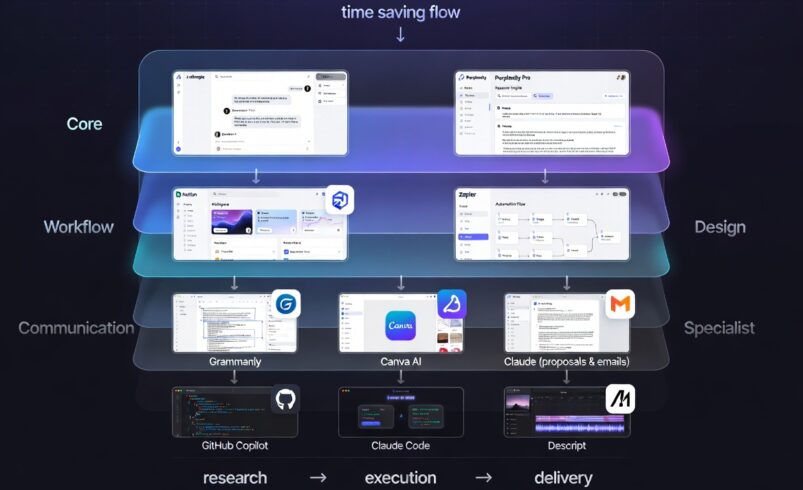
What follows is a different approach. This is built around the actual time sinks in a typical freelance workflow: research, drafting, client communication, proposal writing, scheduling, and visual output. Each tool in this list earns its spot by saving real time on at least one of those tasks, not just by being capable.
The tools were tested across writing, design, development, and consulting workflows over an extended period. Use rates, not feature lists, determined what made the cut.
The Problem With Most AI Tool Roundups
Most freelancer AI tool articles list everything that exists and call each one essential. The actual pattern among freelancers who use AI consistently is narrower. Studies tracking AI adoption among independent professionals in 2026 show that freelancers who report the highest productivity gains are using two to three tools regularly, not ten. The decision fatigue created by too many subscriptions often cancels out the time savings.
This stack is intentionally lean. If a tool does not save a measurable amount of time on a regular task, it does not appear here regardless of how impressive the demo looks.
How This Stack Was Built
The approach was straightforward: identify the four to five highest-time-cost tasks in a freelance workflow, find the tool that handles each one better than alternatives at a similar price point, and test it on real deliverables. Generic evaluations in isolation were excluded. What mattered was how each tool performed when actual client work was on the line.
The Core Layer: AI Writing and Research Assistants
Claude Pro: The Best Daily Writing Assistant
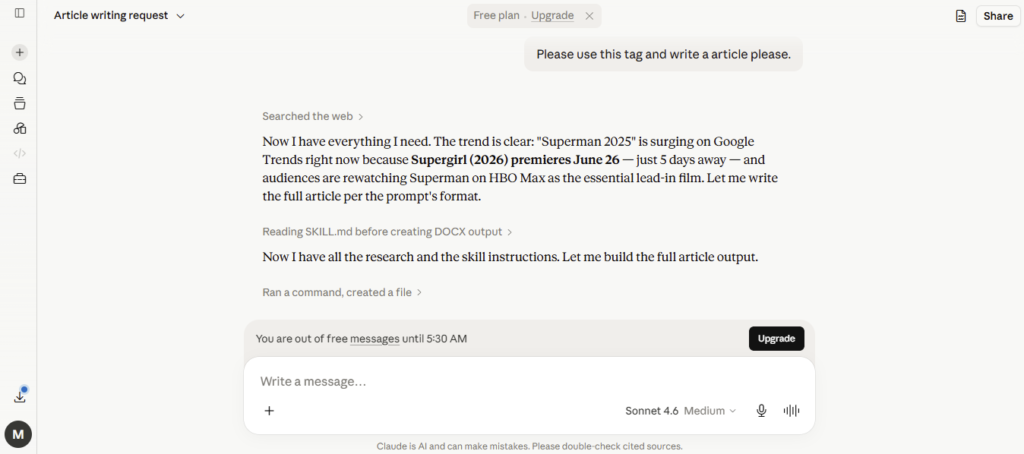
Claude is the right anchor for most freelance stacks in 2026. Not because it is uniformly better than alternatives, you can see exactly how Claude compares to ChatGPT and Gemini across real-world tasks, but because it handles the widest range of writing tasks at the quality level that client-facing work demands. Long-form content, detailed research memos, proposal drafts, email threads, and content briefs: the output requires minimal editing across all of these.
What makes Claude stand out for freelance work specifically is the instruction-following quality. When you describe a specific tone, format, or constraint, Claude adheres to it consistently. This matters enormously when you are writing in a client’s voice across dozens of deliverables. Telling it to match a particular brand voice and then not having to correct the drift on every third output saves a substantial amount of revision time.
Claude Pro at $20 per month is the single subscription most likely to generate a return within the first week of use for any freelancer whose core output is text.
Perplexity Pro: Research Without the Tab Explosion
Research is one of the most time-consuming tasks in knowledge-work freelancing. Perplexity Pro handles this better than any general-purpose AI assistant because it is built specifically for sourced research rather than trying to be everything at once. It searches the web in real time, synthesizes across sources, and cites every claim. For a deeper look at how it stacks up against competing search tools, our full Perplexity AI vs ChatGPT Search comparison covers the differences in detail.
The practical difference is significant. What previously required opening fifteen browser tabs, reading through partial relevance, and manually synthesizing findings can now be handled in a structured research session that takes a fraction of the time. The $20 per month Pro tier unlocks higher usage limits and access to more powerful search modes, which matters if research is a regular part of your workload.
For content writers, consultants, and researchers, Perplexity Pro belongs in the same tier as Claude. For designers or developers with lighter research needs, the free plan may be sufficient.
The Workflow Layer: Automation and Task Management
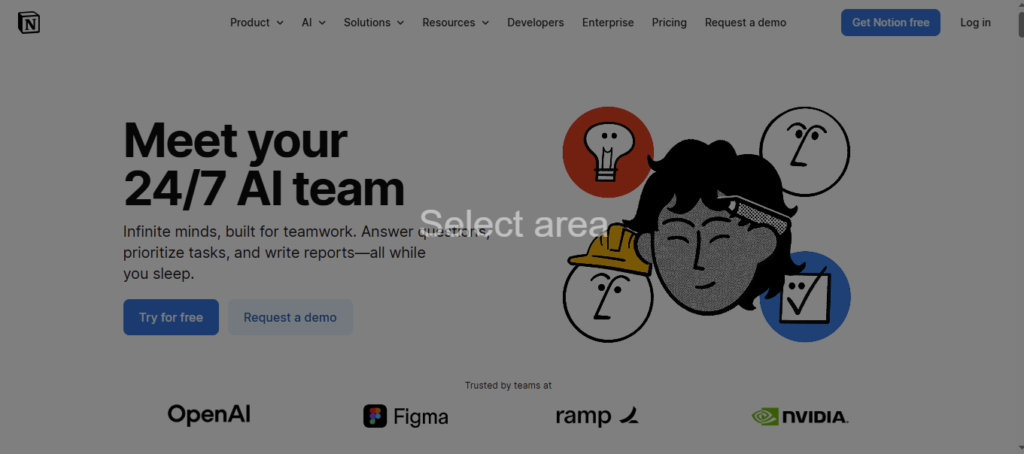
Notion AI: The Hub That Holds Everything Together
Notion is the most useful project management tool for freelancers because it handles documentation, task tracking, client notes, and content drafts in a single workspace. The AI integration added in recent updates makes it substantially more useful: it can summarize meeting notes, generate task lists from project briefs, and draft templates automatically within the same environment where you already work.
The key value for freelancers is not Notion AI as a standalone writing tool. It is Notion as the connective tissue between all your other tools, with AI capabilities that reduce the friction of maintaining organized client files and active project tracking. The free plan covers most solo freelancer needs. The Plus plan at around $10 per month unlocks better AI query limits and team features useful for collaborative projects.
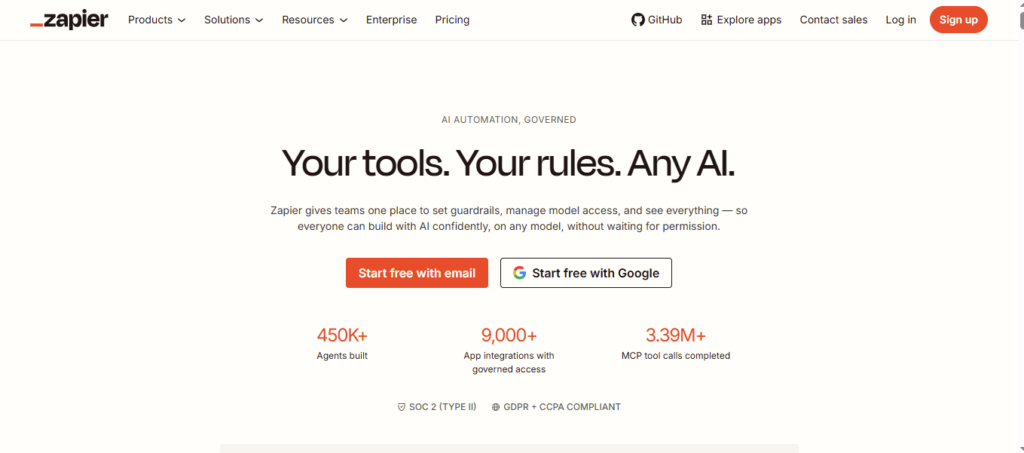
Zapier: Automating the Tasks You Repeat Every Week
Every freelancer has a set of tasks they do the same way every time: routing inquiry emails to a CRM, creating project folders when new clients sign, and sending follow-up messages at set intervals. Zapier automates those connective steps between the tools you already use without requiring code.
The practical time savings from a well-configured Zapier setup are front-loaded. The first week you build a set of automations takes time. After that, every repetitive trigger-and-action sequence runs itself. Freelancers who set this up consistently report saving three to five hours per week on low-value administrative tasks. The Starter plan at $19.99 per month covers most single-freelancer needs for workflow automation.
The Communication Layer: Client Proposals and Email
Claude for Proposals and Client Emails
Client communication is where AI delivers the most immediately visible ROI for freelancers. First-draft proposals that previously took an hour to write now take fifteen minutes with Claude handling the structure and you refining for tone and specifics. Follow-up email sequences, scope clarification responses, project update summaries: all of these are well within Claude’s ability to first-draft at a quality that requires only light editing.
The pattern that works best is building a set of reusable prompt templates for recurring communication types. A proposal prompt that includes your service description, pricing structure, and preferred tone will produce consistent output across different clients. Once the template is refined, the speed advantage compounds.
Grammarly for Polish, Not for Writing
Grammarly is most valuable as a final-pass tool rather than a writing assistant. Running client-facing deliverables through Grammarly after Claude has produced the draft catches the small errors that damage professional credibility: inconsistent punctuation, awkward sentence structure, accidental passive voice where active would be stronger. The free plan is sufficient for this use case. Grammarly Pro at around $12 per month adds tone suggestions and readability scoring that can be worth it for high-volume writers.
The Design Layer: Visual Output Without a Designer
Canva AI for Client-Facing Visuals
Most freelancers who do not specialize in design still need to produce visual materials periodically: pitch decks, case study documents, proposal layouts, social content for client accounts. Canva’s AI features in 2026 make this practical for non-designers. Magic Write handles text blocks, the AI image generation produces serviceable visuals for branded backgrounds and social posts, and the presentation builder generates structured deck layouts from a text brief.
The limitation is that anything requiring genuinely distinctive design work is still outside what Canva AI produces. For brand identity, illustration, or sophisticated layout work, a human designer is still the right choice. For fast, professional-looking materials that clients expect from a well-organized freelancer, Canva covers the need. The Pro plan at $15 per month unlocks the full AI feature set and expanded asset library.
The Specialist Layer: Tools Worth Adding for Specific Freelance Types
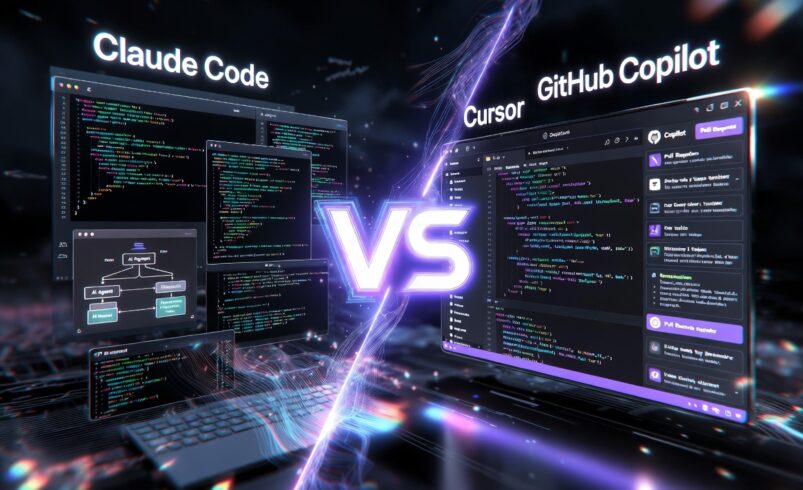
For Developers: GitHub Copilot or Claude Code
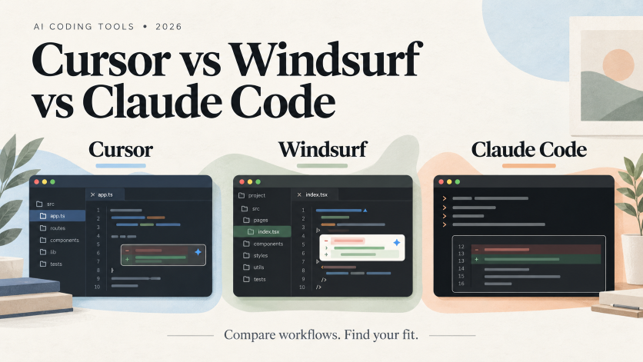
Developer freelancers need a coding-specific tool in their stack. GitHub Copilot at $10 per month remains the most accessible entry point, integrating with existing editors and providing solid autocomplete that speeds up routine code. Claude Code, available through Claude Max plans starting at $100 per month, goes significantly further as a terminal-native agentic tool for complex multi-file work. The right choice depends on whether your freelance projects involve routine feature work or architectural-level coding tasks.
For Video and Podcast Creators: Descript
Descript stands apart from generic video editors because it treats video editing as text editing. You edit the transcript and the video follows. Filler word removal runs automatically. Voice cloning for correction narration works in the 2026 version without requiring recording sessions for every small fix. For solo creators producing regular video or audio content, the time saved on post-production is substantial. Pricing runs from $19 per month for the Creator plan.
Pricing Reality: What This Stack Costs Per Month
The core stack of Claude Pro, Perplexity Pro, Notion Plus, and Zapier Starter runs approximately $70 per month. Adding Canva Pro and Grammarly Pro brings it to roughly $97 per month. Specialist additions like Copilot or Descript depend on your workflow type.
The productivity math is straightforward for most freelancers. If the stack saves five hours per week at a billing rate of $50 per hour, the monthly cost returns roughly $1,000 in recovered time. At higher billing rates, the case is proportionally stronger.
What to Skip
Several AI tools that appear prominently in freelancer roundups do not make this list because they either duplicate functionality better handled by the core stack or require significant setup time relative to the benefit they produce.
Jasper, for instance, is a capable writing tool but provides no meaningful advantage over Claude for the cost at the individual level. Most AI email tools beyond Claude prompting are a layer of complexity that adds subscription cost without proportional time savings. AI scheduling tools can be useful but represent a lower priority than the core writing, research, and automation layers.
The principle is the same throughout: if you cannot identify a specific task that a tool saves meaningful time on, it does not belong in a working freelancer’s stack.
Final Thought
The freelancers who benefit most from AI tools in 2026 are not the ones using the most tools. They are the ones who matched their highest-cost recurring tasks to the right tools and built consistent workflows around a small, well-chosen set of subscriptions. The stack above covers the core workflow for most freelance types and scales from the $70-per-month core to a more complete setup depending on your specialization.
Start with the core layer, use each tool on real client work for thirty days, and only expand after you have identified a specific task that a new addition would handle better than what you already have.
Frequently Asked Questions
What is the best AI tool for freelance writers in 2026?
Claude Pro is the strongest choice for most freelance writers. It produces high-quality long-form output, follows tone and format instructions consistently, and handles the range of writing types most freelancers encounter: proposals, articles, client emails, and research summaries.
Can freelancers use AI tools for free?
Yes. Claude, Perplexity, ChatGPT, Notion, and Canva all offer free plans. Free tiers have usage limits that you will hit quickly on professional workloads, but they are useful for evaluating whether a tool fits before committing to a paid subscription.
Do clients need to know if you use AI tools?
This varies by platform and contract. Many freelance platforms require disclosure of AI-assisted work. When not contractually required, transparency with clients about how AI tools assist your workflow is generally the better professional approach.
How much should a freelancer spend on AI tools per month?
The core stack described here runs between $70 and $100 per month. The benchmark worth applying is whether the time savings exceed the subscription cost at your effective hourly rate. For most freelancers billing above $30 per hour, a $70 monthly stack pays for itself within the first week.