How to Implement AI Customer Support Automation
- November 14, 2026
- 0
Start AI customer support automation with drafts a person reviews and sends. Once the drafts reliably match your policies and customer records, automate one simple request, such as

Start AI customer support automation with drafts a person reviews and sends. Once the drafts reliably match your policies and customer records, automate one simple request, such as
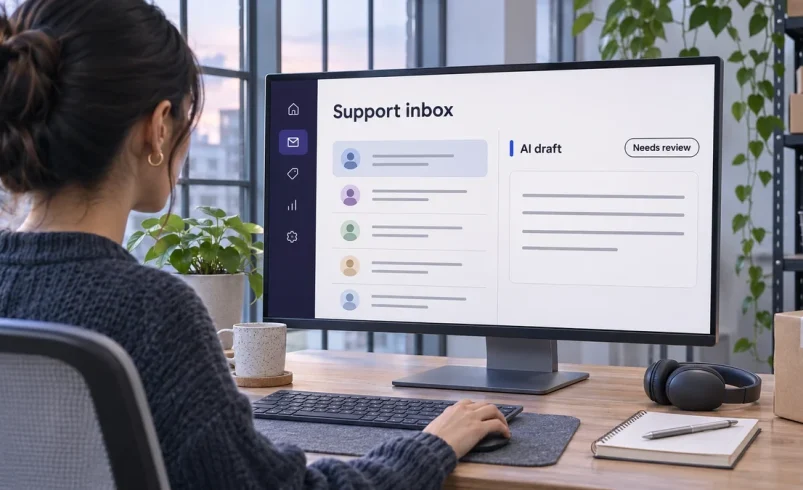
Start AI customer support automation with drafts a person reviews and sends. Once the drafts reliably match your policies and customer records, automate one simple request, such as reporting a verified order status. Keep an obvious route to a person for exceptions.
A useful pilot makes one queue easier to handle. Pick a request your team sees often, give the AI a trusted source, and decide when it should stop. For the wider context, see our guide to how AI agents work.
This guide uses official documentation and published pricing checked on November 8, 2026.
Give AI customer support agents requests with a clear answer, an approved source, and a low cost if you need to correct them. Read recent tickets by request type. Check which ones needed judgment, account access, or an exception to policy before putting them in a pilot.
|
Start With |
Suitable Tickets |
Conditions |
|
Good for AI now |
Public FAQs, standard password reset instructions, routine order-status lookups |
Use the current help article. Verify identity before sharing order-specific data, and require a successful lookup. |
|
AI drafts, human sends |
Refund requests, ordinary complaints, delayed or missing orders |
Let AI summarize the case and draft a reply. A person checks the record and decides what to offer. |
|
Keep human |
Legal threats, suspected fraud, compromised accounts, and serious complaints |
Route directly to the designated team. Leave commitments and account changes with authorized staff. |
There’s evidence for starting with assistance. In the 2025 Quarterly Journal of Economics study Generative AI at Work, Brynjolfsson, Li, and Raymond studied 5,172 support agents at one company. With an assistant suggesting replies to human agents, issues resolved per hour rose about 15% on average, with larger gains among less experienced workers. Use that result as a reason to test drafting in your own queue. Published study.
Connect the smallest set of approved help articles that covers your pilot. Give each article an owner and a review date. If two pages disagree, resolve the conflict before letting the AI answer from either.
In this hypothetical example, an online shop pilots order-status replies. Its shipping help article explains tracking terms and when to escalate. The order system holds the customer’s order details, while the carrier feed provides the latest scan. The article can explain what “in transit” means. Only a successful lookup can establish that this particular parcel is in transit.
Keep internal notes and refund rules outside the sources used for customer-facing replies unless you explicitly approve them for that purpose. Our guide to building an internal AI knowledge base covers source ownership and permissions. For how a system finds the right passage, see our guide to retrieval-augmented generation.
Use AI ticket routing to identify what the customer is trying to do, then check whether the request qualifies for the pilot. In the shop’s example, “Where is my package?” goes to the tracking queue. “The package arrived damaged and I want a refund” goes to a person, even though it also mentions delivery.
For an eligible tracking request, verify the customer through your help desk’s approved method. Look up the order with read-only access. If the order matches and the carrier returns a usable scan, send the facts and relevant policy passage to the drafter. If the lookup fails, route the ticket with the failure reason so the agent knows where to start.

Give reviewers the draft, the source article, and the exact status and timestamp used to generate the reply. That way they can check the facts without repeating the entire search. If they edit the draft, record whether the change fixed a fact, a policy, or just the tone.
For example, a recent carrier scan can support “Your order is in transit.” It supports an arrival date only if the tracking record includes one you’re allowed to share. If there’s no recent scan or the carrier shows an exception, the draft should explain the gap for the reviewer and leave any delivery promise out.
Before enabling automated customer support, replay the ticket type using invented test cases. Include an unmatched order, a delayed scan, a customer who asks for a person, and an attempt to retrieve another customer’s order. Turn on auto-send for verified tracking replies only after every test takes the expected path. Keep a switch that sends those tickets back to the human queue.
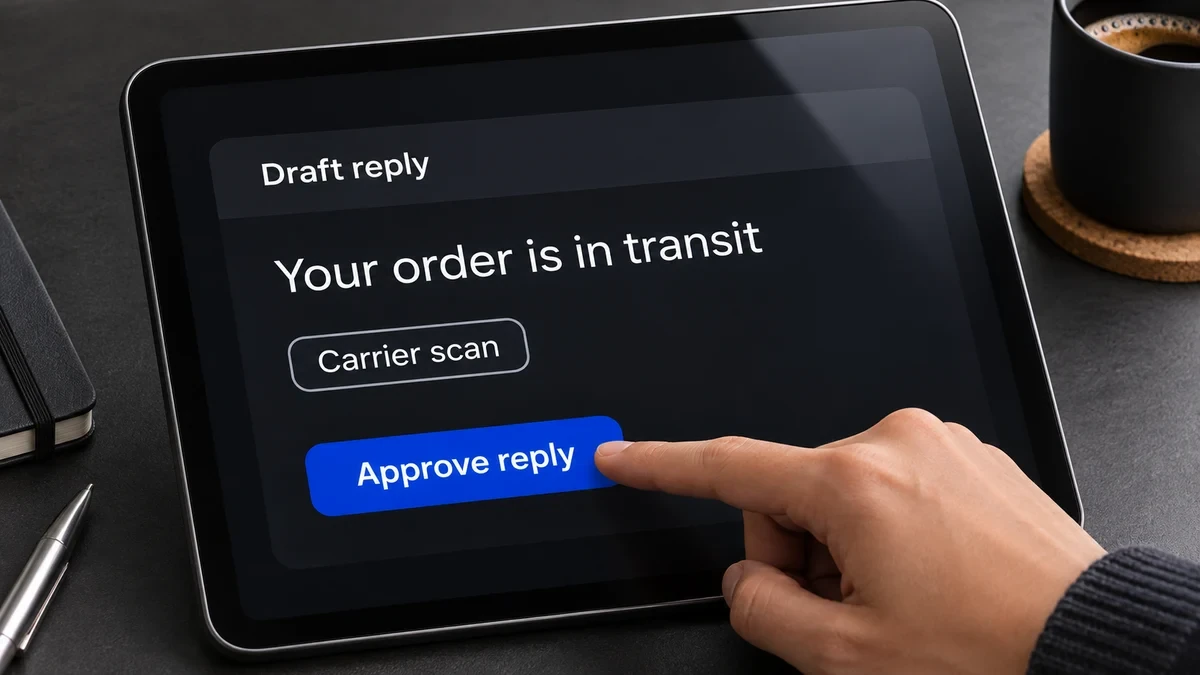
Define human escalation in customer support as a transfer to a named queue with the context needed to continue. The customer should know what happens next, especially when the team is offline.
Hand off when any of these applies:
Send the receiving agent a short issue summary, relevant source links, the verified order reference, and what the AI already tried. If the customer asked for a person, transfer them without making them answer more bot questions. Test both staffed and unstaffed hours. Our small-business AI security checklist covers access controls for these connections.
Measure AI customer support automation against a baseline for the same ticket type and channel. Give closed tickets the same follow-up window in both groups. A faster first reply is useful only if customers can still resolve the problem.
In the tracking pilot, review a sample of tickets marked solved and check whether the customer came back about the same parcel. Agree on a stop rule before launch. For example, pause auto-send if it shares the wrong order details or promises something the policy doesn’t allow. Then fix the rule and replay the failed case.
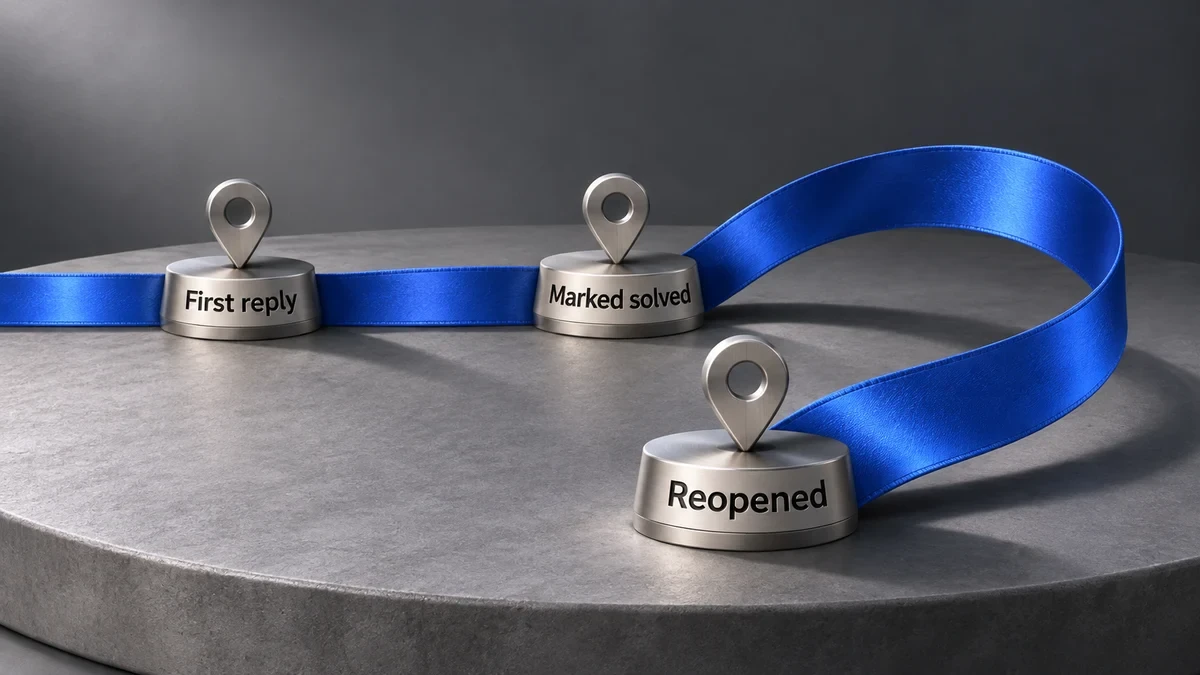
When comparing AI help desk automation, include the base subscription, the customer-facing AI charge, and any separate drafting feature your staff needs. A session can cost money even if it ends with a human. An outcome can also mean something different from a customer confirming their issue is solved.
|
Tool |
Customer-Facing Use |
U.S. Price Basis |
|
Zendesk AI agents |
Answers from knowledge and follows configured support procedures. |
Suite Team is $55 per agent/month, paid yearly. Zendesk lists committed automated resolutions at $1.50 in its Suite comparison. On the tiered platform, verified resolutions draw from the allowance. Pricing, resolution tiers. |
|
Intercom Fin |
Answers over chat or email and can run configured procedures that hand off to a person. |
Essential is $29 per seat/month billed annually, or $39 billed monthly. Fin charges $0.99 for a support resolution or a qualifying procedure handoff. Plans, billable outcomes. |
|
Freshdesk Freddy AI Agent |
Email automation on Freshdesk, with chat AI available on Freshdesk Omni. |
Freshdesk Growth is $19 per agent/month billed annually. Eligible new accounts receive 500 one-time sessions. Extra packs are $49 per 100 sessions. Pricing, session rules. |
|
HubSpot Breeze Customer Agent |
Answers from selected content and supports human handoff. |
Service Hub Professional starts at $100/month per Service Seat, with $1,500 required onboarding and 3,000 monthly credits under standard pricing. Text resolutions use 50 credits. At the standard $0.01 per extra credit, that’s $0.50 in purchased credits per text resolution. Setup, plan catalog, credit rates. |
USD prices and official vendor documentation checked November 8, 2026. Confirm your account’s allowance and overage settings.
If you already use HubSpot, our Breeze and Customer Agent review covers its wider role in the platform.
Start with the smallest change that addresses the queue’s current problem. Move from drafts to automatic replies only when the records, routing, and handoff support it.
|
If You… |
Start With… |
Expand When… |
|
Have inconsistent answers to common questions |
One approved article and human-reviewed drafts |
Agents agree on the policy and rarely need factual corrections. |
|
Can verify identity and look up current order status |
One automatic tracking reply on one channel |
Exceptions reach people and repeat contacts stay within your agreed limit. |
|
See mostly disputes or complex requests |
Summaries and routing for human agents |
You can isolate a simpler ticket type with a reliable answer. |
Pick one queue for AI customer support automation this week and run it in draft mode. Record the edits your agents make. Those edits tell you which rules to fix before turning on automatic replies. How to test failures before you scale an AI workflow.
Use a clear label when the tool replies directly, and make the route to a person visible in the same channel.
Use approved, redacted cases or invented variants to test routing and replies. Have someone write the expected outcome from the current policy first, since an old agent reply may reflect an outdated rule.
Check the account’s overage or pause setting and test what the customer sees at the limit. Make sure the normal help channel still works if automatic replies stop.