How to Build an Internal AI Knowledge Base for Your Team
- November 13, 2026
- 0
Start an internal AI knowledge base with one team, one set of approved documents, and questions you can check against those documents. Use the search tool in your

Start an internal AI knowledge base with one team, one set of approved documents, and questions you can check against those documents. Use the search tool in your
Start an internal AI knowledge base with one team, one set of approved documents, and questions you can check against those documents. Use the search tool in your current workspace if it can cite the right source and respect who can open it. Give each document an owner and a review date before expanding.
The assistant finds relevant company documents and uses them to answer questions. This approach is often called retrieval-augmented generation, or RAG. Our guide to retrieval-augmented generation explains how retrieval works. Here, the job is to decide what the assistant can see and how the team will check it.
This guide uses official documentation and published pricing checked on November 8, 2026.
Start with the documents people should use to answer recurring questions. A smaller set is easier to maintain and gives you a clear answer key for testing. Ask the team which links they send when someone asks how to do their job.
|
Decision |
What Belongs Here |
What to Do |
|
Include |
Current policies, approved procedures, and frequently used instructions |
Keep the authoritative copy in its existing source system. |
|
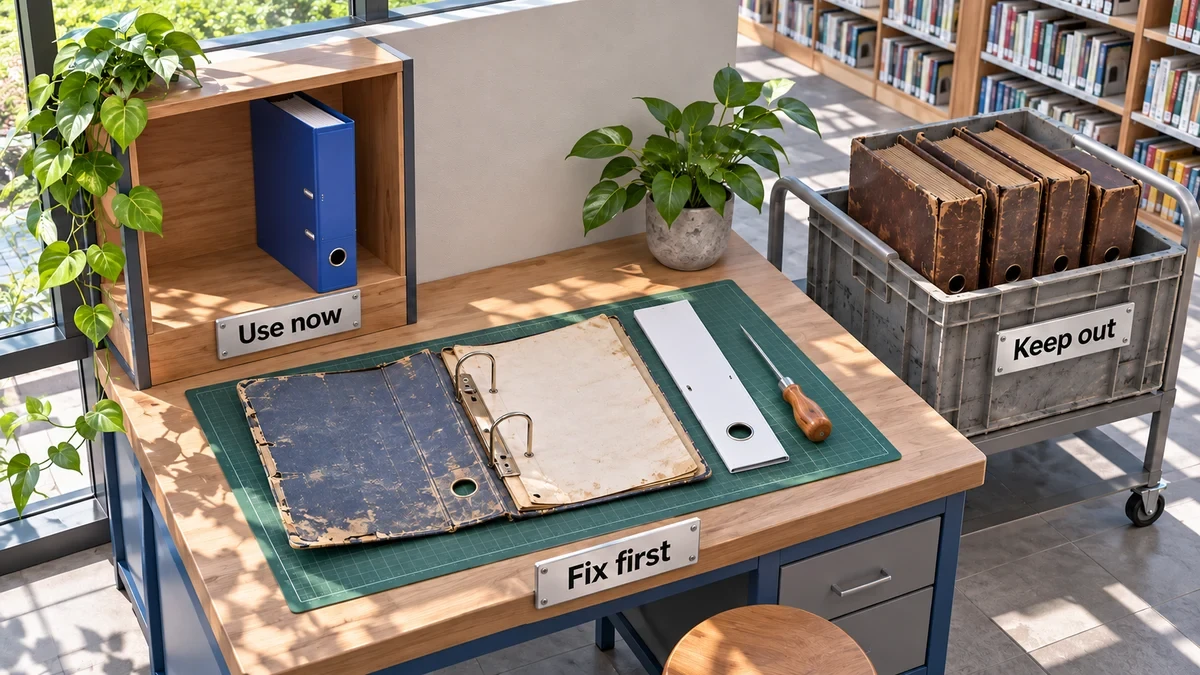
Clean Up First |
Long manuals, scanned files, and documents that mix current guidance with old notes |
Fix the text or split sections, then have the owner approve the result. |
|
Leave Out |
Drafts, duplicate exports, superseded versions, and private working notes |
Keep them outside the assistant’s search scope. |
|
Restrict |
HR, legal, and finance records a specific role needs |
Add only after approval and a test with both permitted and restricted accounts. |
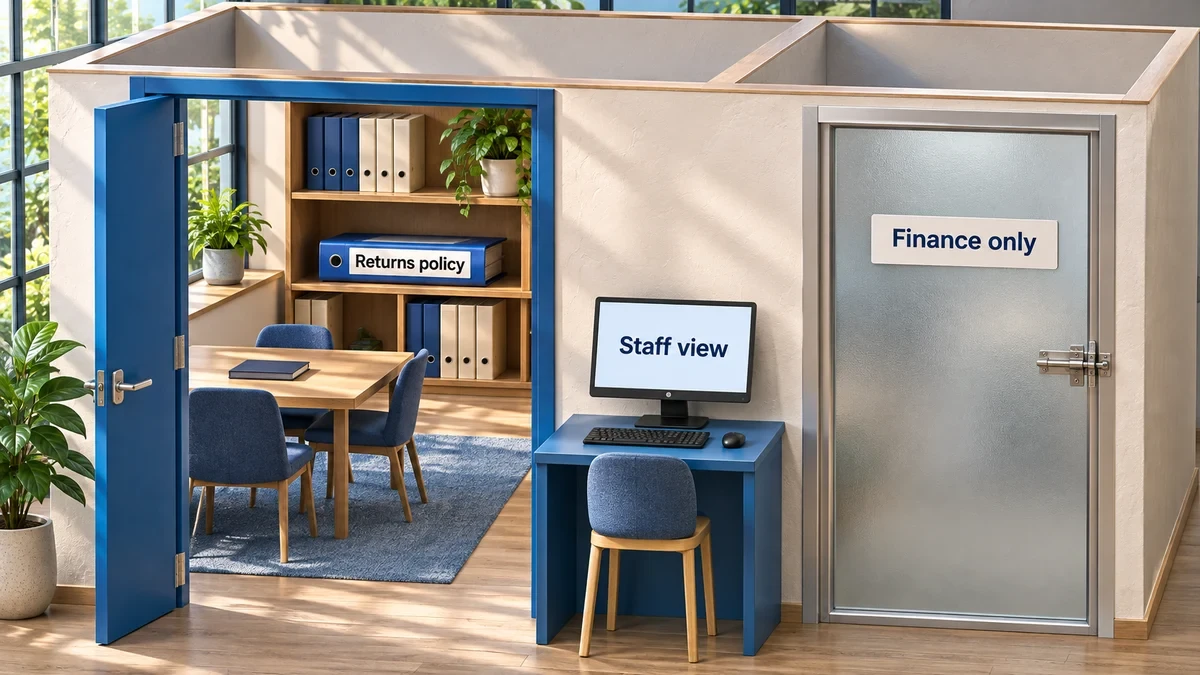
Say a small retailer wants its support team to answer returns questions. This hypothetical pilot starts with the current Returns Policy and the support procedure for opening a return. The finance-only Approval Matrix stays in its restricted folder. An old policy can remain in the archive for recordkeeping while the assistant’s pilot scope excludes it.
Give each document one accountable owner and one authoritative link. If two copies disagree, ask the owner which applies before connecting either one. Choosing the newest file by timestamp could favor a draft over an approved policy.
For the retailer, the returns owner puts the scope next to the rule. A line that reads “30 calendar days from delivery for unopened standard items” carries the condition with the number. If the assistant finds that passage on its own, it has a better chance of giving the complete answer. For a custom build, Anthropic’s contextual retrieval write-up explains how adding document context to individual excerpts can help search find the right passage.
Try the tool closest to your documents first. Consider dedicated AI document search if important sources live across several apps. Build a custom system when you have a specific requirement the packaged tools can’t meet and someone who can operate it after launch.
|
Route |
Best Fit |
Plan and Cost Basis |
|
Built-in · Microsoft Copilot |
Team policies already live in SharePoint or OneDrive. |
Microsoft 365 Copilot Business add-on requires an eligible base subscription. The first-year offer starts at $18 USD per user/month, paid yearly, through December 31, 2026. Microsoft lists a $21 reference price. Select advanced features can incur usage charges. Pricing, eligible licenses. |
|
Built-in · Gemini in Drive |
Team documents already live in Google Drive. |
Workspace Business Standard includes Gemini in Drive. $14 USD per user/month on an annual commitment or $16.80 on monthly flexible billing. Feature comparison, billing options. |
|
Built-in · Notion AI |
The team maintains its policies and procedures in Notion. |
Enterprise Search is on Business and Enterprise. Business is $20 USD per member/month billed annually. Enterprise pricing is through sales. Enterprise Search, Business price basis, plans. |
|
Dedicated · Glean |
Important knowledge is split across tools and the team needs one search layer. |
Contact sales. Ask for the price, supported connectors, and rollout requirements for the apps you need. Glean’s sales page. |
|
Custom RAG |
You need custom sources, access rules, or a specific workflow. |
Budget for engineering, hosting, search and model usage, testing, and maintenance. The cost depends on the design and usage. |
USD public pricing checked November 8, 2026. Compare the licenses you’d actually assign, any required base subscription, and usage charges.
If most procedures already live in Notion, test the native search against those documents before adding a second tool. Our Notion AI review covers the wider workspace experience.
Connect only the approved pilot folder, library, or workspace area where your tool supports that scope. Use read-only access where available. Disable broader web and app search for policy questions if the tool lets you, then confirm that the answers stay within the intended sources.
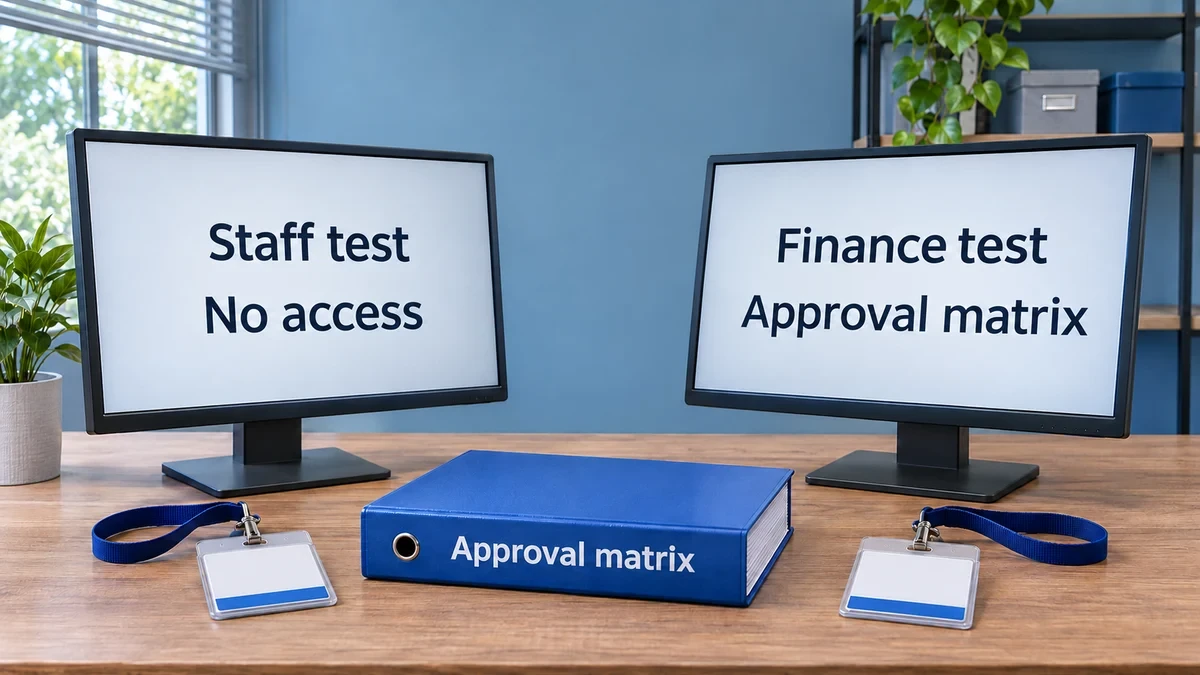
Permission-aware search means the assistant uses documents the person asking can already open. When a file is restricted, its contents should stay out of the answer, source preview, and results. Check the sharing settings in the original system first. A broadly shared source can still be broadly discoverable.
For a custom internal AI assistant, have your app check access before passing any retrieved text to the model. Apply the same rule to previews, citations, and caches. Test revocation by removing a pilot user’s source access, then checking when new searches and previews stop returning the file. Our AI security checklist covers the wider rollout controls.
Test the internal AI knowledge base with 20–30 real questions. Ask a document owner to write the expected answer and source before you run the test. Include a few questions the approved sources cannot answer so you can check whether the assistant admits a gap.
For the retailer’s pilot, build a 24-question set. Use 14 common support questions, four version or exception checks, three questions without an answer in scope, and three permission checks. For example, if the sources say nothing about preorders, the assistant should say it couldn’t find that rule. In your test sheet, record the question, role, expected answer and source, actual result, and any fix.
Run each result through three checks:
If a permission check fails, keep that source out of the rollout until you can reproduce a clean result. When an answer fails, trace the cause to the document, the search scope, or the assistant’s handling of the evidence before changing the prompt. Require the critical policy questions to pass before opening the pilot to more staff.
Put the review date on each source and give the owner a place to report changes. When a policy changes, update the authoritative copy and remove any superseded version from search. Then ask the internal AI knowledge base a question that distinguishes the two versions and verify the new wording and citation.
Rerun the 24-question set monthly and after major changes to a connector, permissions, or the assistant. For AI knowledge management, the test log doubles as a maintenance list. Assign each failure to the person who can fix it, then retest the question.
|
If You Need… |
Start With… |
Move On When… |
|
Answers from one well-maintained workspace |
Its built-in AI and one approved source area |
Routine answers cite the correct, current document. |
|
Answers across several tools |
A dedicated search pilot with two critical connectors |
Both connectors pass source and permission checks. |
|
A custom source or access rule |
A small custom prototype on approved documents |
You can show why the rule matters and who will maintain it. |
Start your internal AI knowledge base with one folder and one document owner this week. Write the first five questions before connecting the folder, then add the harder cases before expanding. Track your AI knowledge base implementation in the same place as your team’s AI workflow documentation.
A notebook can fit a small, curated source set. Check how sharing works before adding restricted material. For a closer look at source-based notebooks, see our NotebookLM review.
Start with approved documents. If chat holds decisions the team needs, copy the confirmed outcome into a maintained source with an owner and date before relying on it for policy answers.
Check the underlying source and the recipient’s authorization first. A person can lose the protection of the original file permissions when someone copies its contents into an email or another shared document.