
How Do AI Image Generators Work? The Non-Technical Explanation
- May 20, 2026
- 0
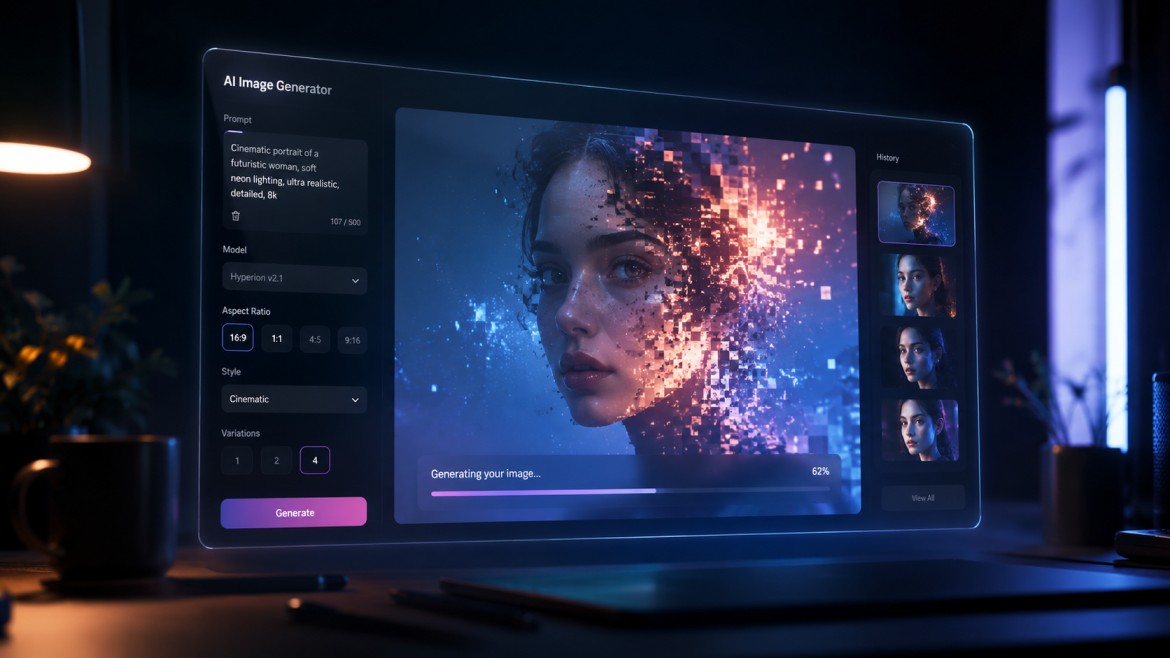
You type a few words into a box. A few seconds later, a detailed image appears that matches exactly what you described. Sometimes better than you imagined it.
You type a few words into a box. A few seconds later, a detailed image appears that matches exactly what you described. Sometimes better than you imagined it.
You type a few words into a box. A few seconds later, a detailed image appears that matches exactly what you described. Sometimes better than you imagined it.
If you’ve used Midjourney, DALL-E 3, Stable Diffusion, or Adobe Firefly, you’ve experienced this. And if you’ve ever wondered what is actually happening underneath that interface, not the marketing version, but the real process, this article explains it clearly.
No engineering background needed. No equations. Just a clear, honest explanation of how AI turns your words into images.
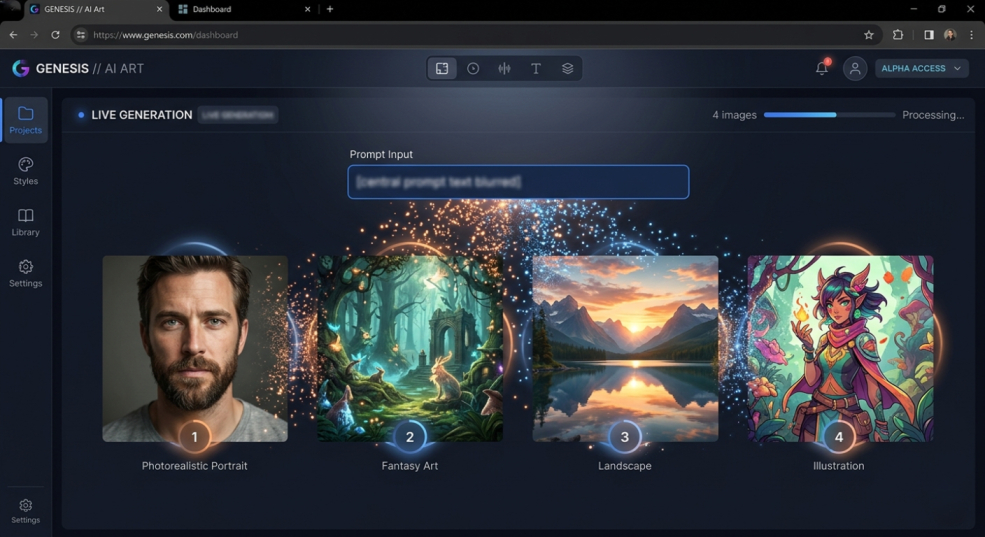
AI image generators are software systems that have learned to create images based on text instructions called prompts. Tools like Midjourney, DALL-E 3, Flux, and Stable Diffusion all work differently in detail, but they share the same core approach.
They are not searching a database of existing images and retrieving the one that best matches your description. Neither are they collaging pieces of existing photos together. They are generating brand-new images — pixel by pixel — based on patterns they learned during a training process.
Understanding that distinction changes how you think about these tools. Every image they produce is genuinely new. It has never existed before. The AI creates it from scratch, guided by what it learned during training and what your prompt tells it to aim for.
Here is the core concept behind modern AI image generation, and once you understand it, everything else makes sense.
During training, the AI was shown hundreds of millions of images. For each image, it performed a specific task. It gradually added random visual noise, like think of TV static, to the image, step by step, until the image was completely unrecognizable. It looked like pure white noise.
Then the AI learned to do the reverse. Starting from pure noise, it learned to remove that noise gradually, step by step, until a coherent image emerged.
After doing this process billions of times across hundreds of millions of images, the AI became extraordinarily good at the reverse journey. Given a blob of random noise and some guidance about what the final image should look like, it can walk back through that noise to produce something real and recognizable.
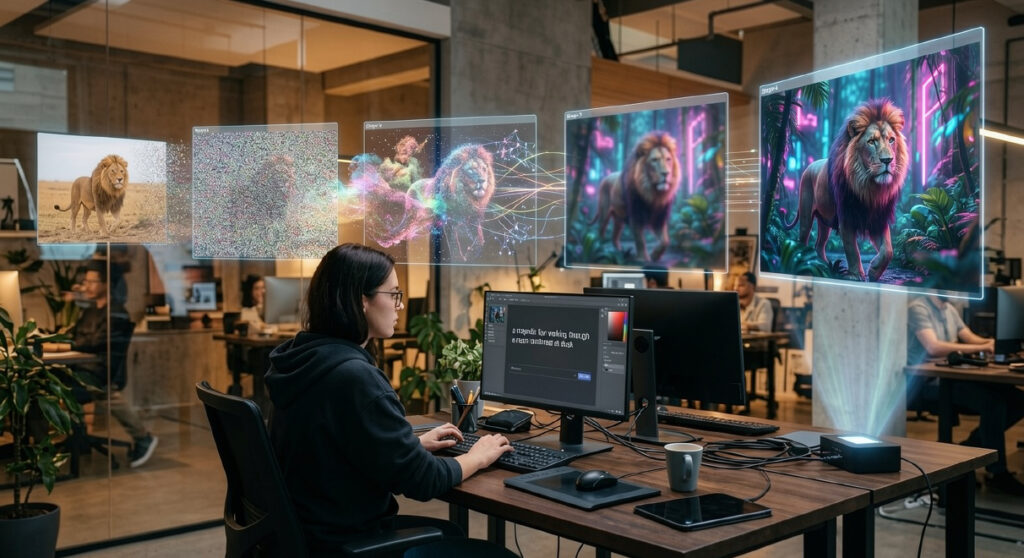
This is called the diffusion process, and it is the technology behind most of today’s best AI image generators.
Before an AI image generator can create anything, it needs to spend a very long time learning.
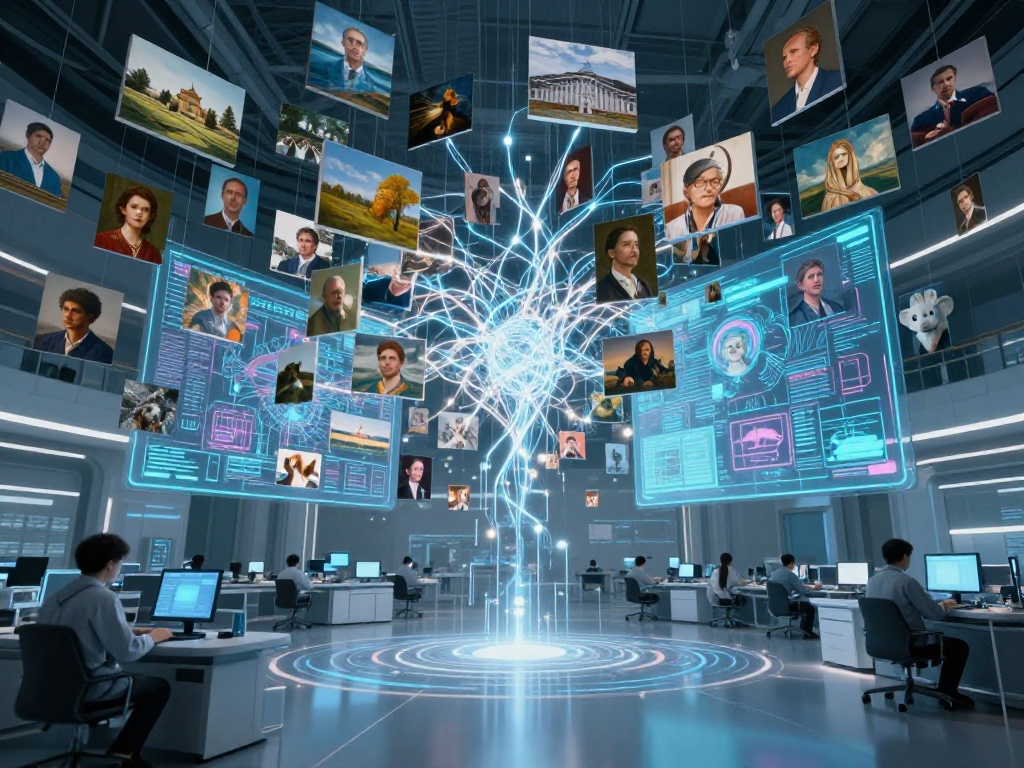
During training, the model is shown an enormous collection of images, hundreds of millions of them. These images come from across the internet: photographs, illustrations, paintings, digital art, screenshots, and much more. Each image comes with a text description, either written by humans or generated automatically by another AI system.
This is where a key piece of technology called CLIP comes in. CLIP (which stands for Contrastive Language–Image Pretraining) was developed by OpenAI and taught AI systems to understand the relationship between text and images.
Think of it this way: CLIP learned that the words “a golden retriever sitting on a beach at sunset” should be closely connected to images that show exactly that scene. It learned these connections by seeing millions of image-description pairs and figuring out which descriptions matched which images.
After training, CLIP can translate any text description into a set of numbers that captures what that description means visually. This is important because the image generator needs to use your text prompt as navigation and tell it what direction to head as it walks back from noise to image.
The AI did not memorize individual images. It stored something more like an understanding of visual patterns, such as what dogs look like, how light behaves, what water reflects, how human faces are structured, and how composition works in landscape photography.
This is why AI image generators can combine concepts in ways no human photographer could. A photo of “a dragon wearing a business suit standing in a modern office” requires no camera setup. The AI pulls from its understanding of dragons, suits, offices, and realistic lighting, and combines them into something coherent.
When you type a prompt into an AI image generator, the first thing that happens is that your text gets converted into a set of numbers. These numbers live in what researchers call a latent space, a mathematical space where similar concepts end up close together.
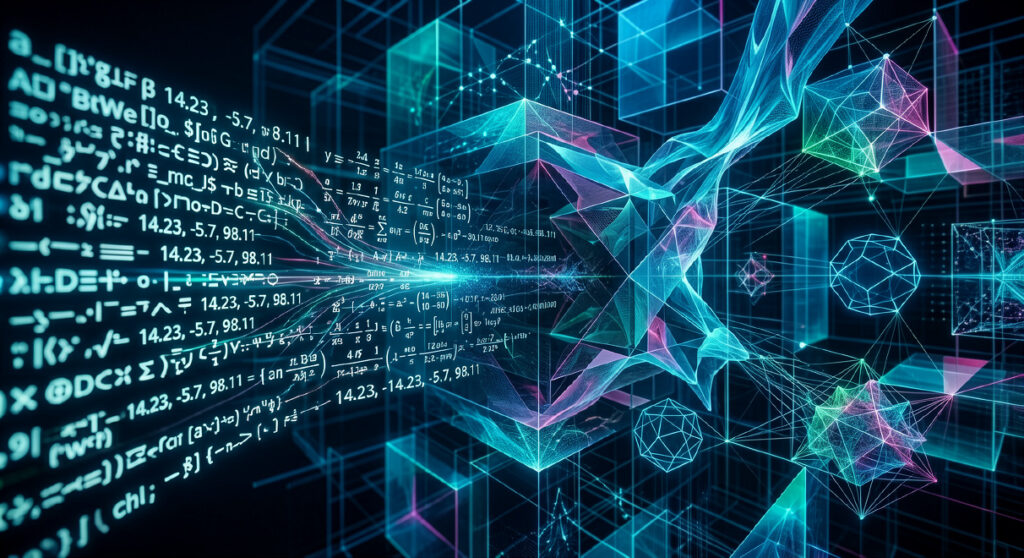
For example, in latent space, the concepts of “ocean,” “sea,” and “waves” would all be numerically close to each other. “Happy dog” and “excited puppy” would be nearby too. The numerical representation of your prompt captures its meaning in a form the image generator can actually use.
This numerical representation then acts like a compass. As the AI works through the image generation process, it keeps checking: is what I’m building moving in the direction of this prompt? Is this image looking more like what the words describe, or less?
You may have noticed that running the exact same prompt twice in Midjourney or DALL-E gives you different images each time. This happens because the generation process starts from a different random noise pattern each time.

Think of it like taking two different paths through a forest to reach the same destination. You start from different spots, you take slightly different routes, and you end up with slightly different results, even though the goal was the same. The randomness is built into the starting point, not the destination.
This is why most AI image tools give you a seed number option. If you save the seed from an image you love, you can regenerate from the same random starting point and get a very similar result.
This is the heart of how modern AI image generation works. The actual creation happens through a process that starts with visual noise and ends with a finished image.
Imagine a canvas covered in random static, every pixel a random color, no pattern at all. That is the starting point.
The AI then takes a single “step” of refinement. It looks at the noisy canvas, consults the numerical representation of your prompt, and makes small adjustments, nudging certain pixels toward patterns that look more like what the prompt describes.
Then it takes another step. And another. Each step, the image becomes slightly less noisy and slightly more coherent. The AI is essentially sculpting the image out of random noise, guided by the numbers that represent your words.
After enough of these steps, what started as pure static has become a recognizable image that matches your description.
This varies between tools and settings. Stable Diffusion typically uses between 20 and 50 steps. More steps generally means more detail and coherence, but also more time. Midjourney runs a similar process but abstracts this away from the user.
Some newer models, like Flux (developed by Black Forest Labs, founded by former Stability AI researchers), have become more efficient, and the architecture has improved, not just the hardware running it.
One more step happens after the diffusion process finishes.
Most modern AI image generators don’t work directly at full pixel resolution during the diffusion steps. That would be enormously slow and computationally expensive. Instead, they work in a compressed mathematical space, latent space, where images are represented more efficiently.
Once the diffusion process produces a good result in that compressed space, a separate component called a decoder translates it back into full-resolution pixels. This decoding step is where the final image sharpness and detail are restored.
Think of it like writing a rough draft in shorthand, then transcribing it into full, readable text. The shorthand captures all the important structure. The transcription makes it legible and fully detailed.
If you’ve used AI image generators for any amount of time, you’ve probably noticed that the quality of your results varies dramatically depending on how you phrase your prompt. This is not random. It is directly connected to how these systems work.
Your prompt is the compass that guides the entire generation process. A vague or poorly worded prompt gives the AI weak guidance. The result is an image that wanders somewhere in the general direction of what you wanted, but usually not quite there.
Prompt: “a dog outside”
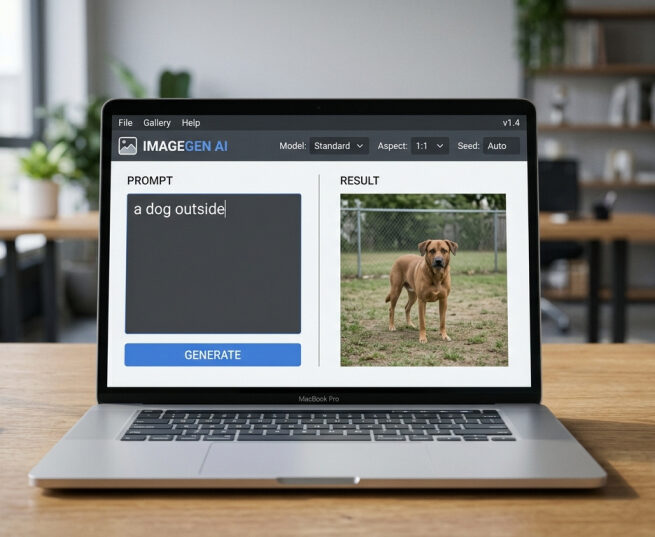
This gives the AI very little to work with. Which kind of dog? What kind of outdoor environment? What time of day? And what mood or style? Without clear guidance, the AI falls back on its most statistically average interpretation, which usually means a generic, unremarkable image.
Prompt: “a golden retriever running through autumn leaves in a sunlit park, photorealistic, shallow depth of field, warm afternoon light”
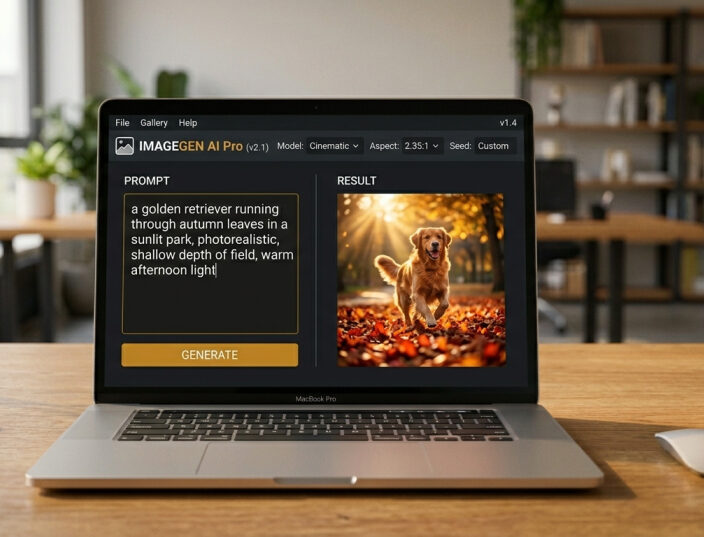
This gives the AI a specific subject, environment, lighting condition, mood, and style. The image that results will be dramatically more interesting and usable.
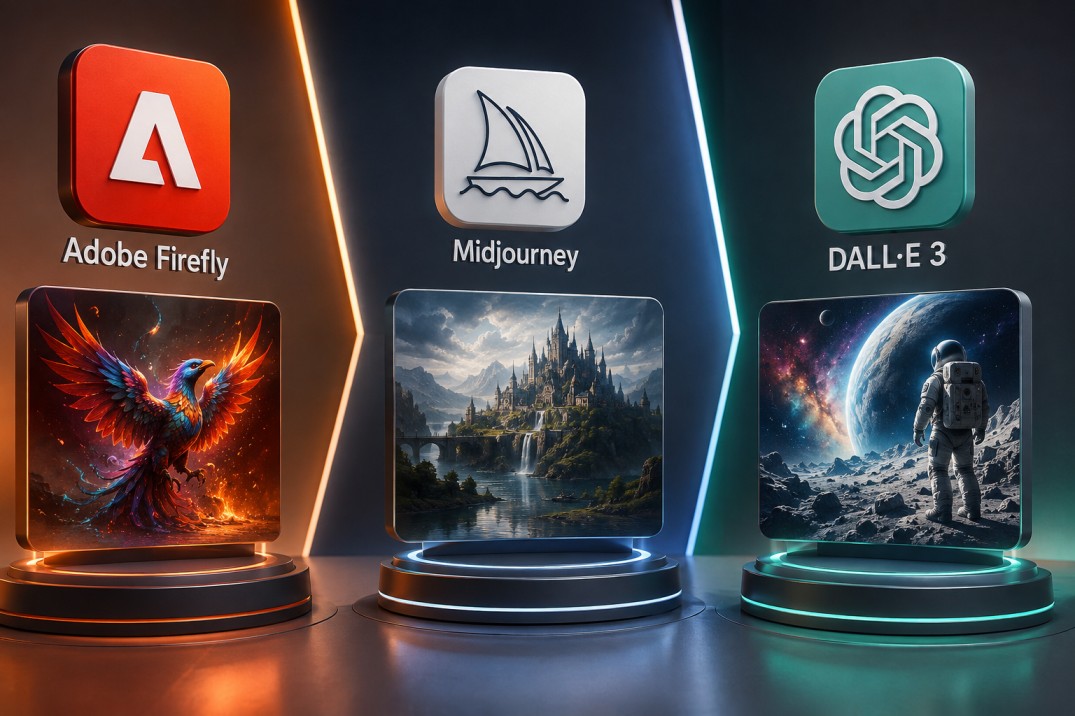
Not all AI image generators use the exact same approach, but they all share the core diffusion-based process. Here is a quick look at how the major tools differ:
| Tool | Approach | Best For |
| Midjourney | Proprietary diffusion model, heavily fine-tuned for aesthetic quality | Artistic, editorial, and high-quality visual content |
| DALL-E 3 | OpenAI’s model, integrated with ChatGPT | Following complex instructions, accurate text in images |
| Stable Diffusion | Open-source, highly customizable | Technical users, custom model fine-tuning |
| Flux | New architecture from Black Forest Labs | High detail, photorealism, fast generation |
| Adobe Firefly | Trained on licensed content | Commercial use, safe copyright position |
If you want a deeper comparison of two specific platforms, our article on Tensor Art vs. Midjourney goes through both tools in detail, including real output examples from both.
Even the best AI image generators produce mistakes. Understanding why helps you work around them.
Hands and fingers are notoriously difficult. Human hands have complex geometry and an enormous variety in position and angle. The training data for hands is harder to learn from than for most other body parts, and the diffusion process struggles to get all five fingers looking right, especially in unusual positions.
Text inside images is another common failure. AI image generators don’t understand language the way a word processor does. They understand the visual shape of text characters, but rendering specific words accurately, especially in languages with complex scripts, is inconsistent.
Physics and geometry sometimes go wrong. The AI learned from images but it didn’t learn physics. Objects can float, shadows can fall from the wrong direction, and architectural elements can connect in ways that wouldn’t work in real life.
Multiple subjects interacting get complicated. When two or more people need to interact, shaking hands, having a conversation, the AI sometimes merges or distorts them.
These limitations are well-known and are improving rapidly. But they’re useful to keep in mind when planning what you’ll use AI image generation for.
It is also worth noting that AI image generators can occasionally produce inaccurate or unexpected results, similar to how AI chatbots often hallucinate when they are uncertain. Both problems come from the probabilistic nature of how these systems work.
The pace of improvement in this space has been genuinely striking. Tools that seemed impressive in 2023 look noticeably weaker compared to what’s available now.
A few key developments stand out:
Image quality and realism have improved dramatically. Images that used to require a trained eye to spot as AI-generated are now nearly indistinguishable from photographs in many cases.
Speed has increased substantially. Generation that used to take a minute or more now happens in seconds on optimized systems, thanks to architectural improvements and better hardware.
Text rendering in images has improved. DALL-E 3 was one of the first widely available models to reliably render readable text inside images. Other models have been catching up.
Video generation has entered the picture. Tools like Runway ML’s Gen-3, Sora from OpenAI, and Kling have extended image generation principles into video — turning prompts into short video clips. This is the obvious next direction.
Copyright and licensing conversations have advanced. Adobe Firefly’s training on licensed content, and the broader legal debates around AI training data, have moved from theoretical to active legal and regulatory territory. This is reshaping how enterprise tools position themselves.
If you want to understand where AI image generation fits within the broader landscape of AI technology, our article on AI vs. machine learning vs. deep learning clearly covers the foundational distinctions.
No, not directly. They generate new images from scratch based on patterns learned during training. The AI does not retrieve or paste from existing images. However, the style and aesthetic learned from training data does influence outputs, which is part of the ongoing copyright debate in the industry.
Technically yes, but most major platforms have usage policies that restrict generating realistic depictions of real, named individuals without consent. This is an active area of legal and ethical discussion.
A negative prompt tells the AI what to avoid including in the image. In tools that support it, you can add a negative prompt like “blurry, distorted hands, low quality” and the model will actively steer away from those qualities during generation.
Because diffusion models tend to optimize toward the most statistically probable visual patterns. Extremely common visual styles — smooth skin textures, certain lighting setups, specific color palettes — appear frequently in AI outputs because they appear frequently in training data. Skilled prompters can push past this with specific style guidance.
It depends on your definition of art. AI image generation is a technical process. Whether the result constitutes art involves human creative intent in the prompting process, curation, and use. This is an active philosophical debate with no consensus answer yet.
Stable Diffusion is an open-source diffusion model released by Stability AI. Unlike Midjourney or DALL-E, its model weights are publicly available, meaning developers can download, run, and fine-tune it themselves. This makes it highly customizable and is why you’ll see dozens of specialized community-trained models built on top of it.
AI image generation is one of the most genuinely impressive things technology has produced in recent memory. What would have required a skilled illustrator many hours can now happen in seconds, guided by a few lines of text.
But impressive doesn’t mean magic. There is a real, understandable process behind it, learning visual patterns from an enormous amount of data, translating your words into mathematical guidance, walking back from noise toward a coherent image, and decoding that into the pixels you see on screen.
Understanding that process doesn’t make the results less remarkable. It makes you a better user of these tools because you understand what they respond to, what they struggle with, and how to guide them toward what you actually want.
The next time you type a prompt and watch an image appear, you’ll know exactly what’s happening underneath.