Best AI Tools for Students 2026: Complete Academic Success Guide
February 24, 2026
0
AI tools have transformed academic life, offering unprecedented support for research, writing, organization, and learning. But with hundreds of options available, which tools actually help students succeed without
AI tools have transformed academic life, offering unprecedented support for research, writing, organization, and learning. But with hundreds of options available, which tools actually help students succeed without crossing ethical lines? This comprehensive guide examines the most effective AI tools for students with different academic needs in 2026.
We’ve organized this guide by academic task rather than tool category, making it easy to find solutions for your specific challenges. Whether you’re struggling with math homework, organizing research, or managing your schedule, we identify which AI tools provide genuine value and which create more complexity than benefit.
Understanding Ethical AI Use in Academics
Before diving into specific tools, establish clear principles for ethical AI usage. AI tools should enhance your learning, not replace it. Use them for understanding concepts, organizing information, and improving your work, not for generating content you claim as original thought.
Most universities now have AI usage policies. Familiarize yourself with your institution’s guidelines before implementing any tools discussed here. When in doubt, ask instructors about acceptable usage for specific assignments. Transparency about AI assistance demonstrates academic integrity more effectively than attempting to hide tool usage.
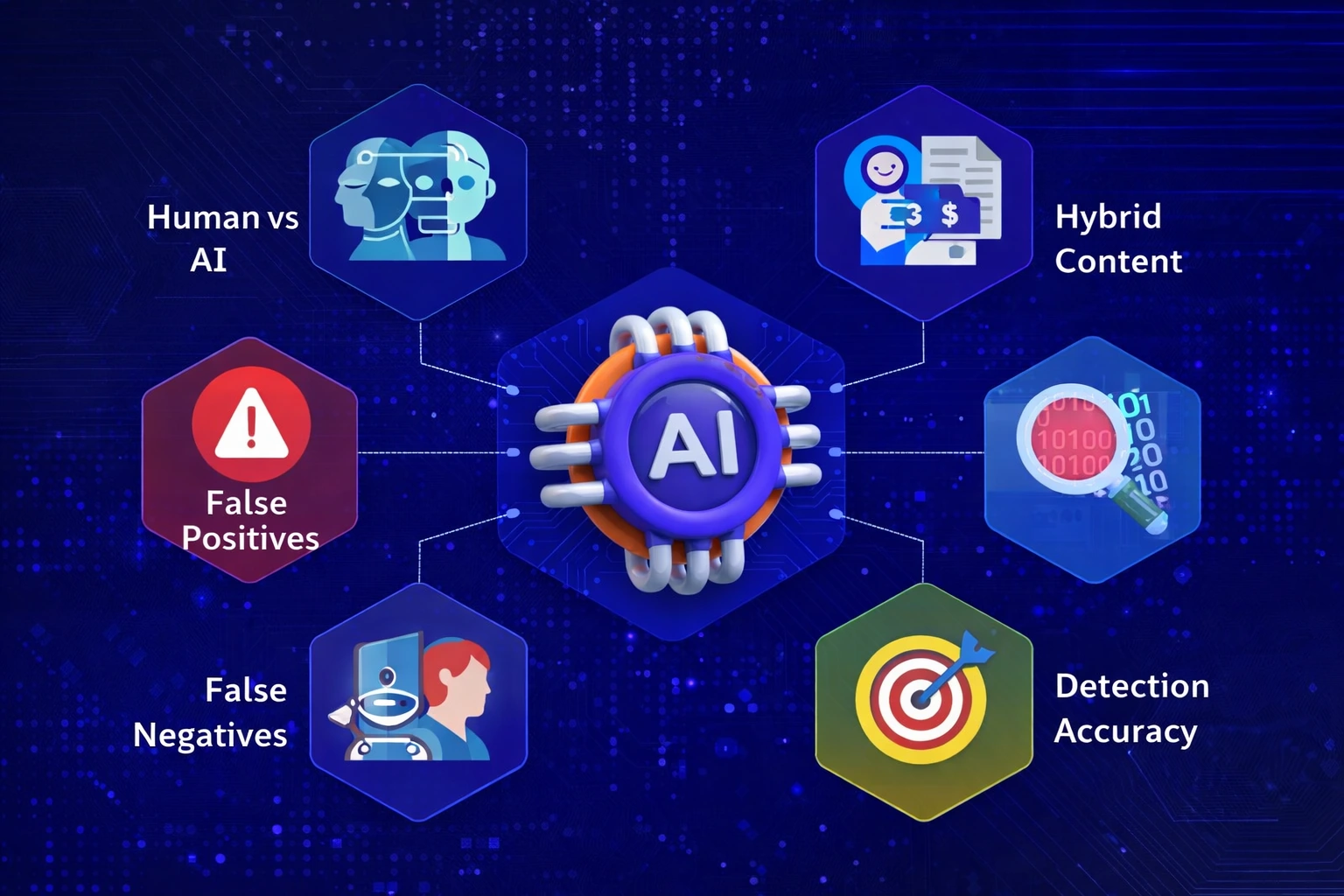
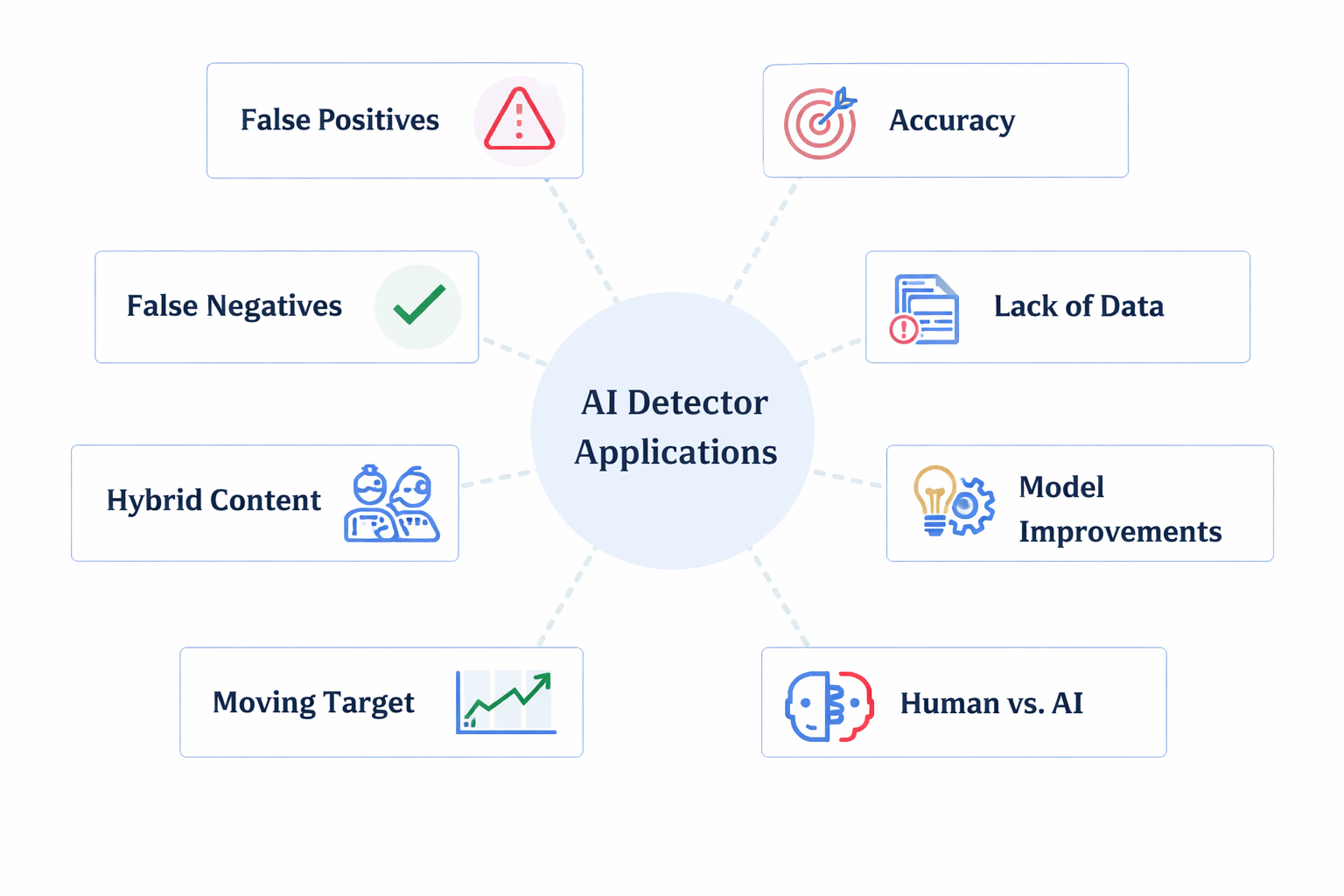
Remember that AI detection tools, while imperfect, do exist. Our testing of popular detection platforms revealed they flag both AI-generated and genuinely human content inconsistently. The solution isn’t avoiding AI tools entirely, it’s using them responsibly and being prepared to demonstrate your learning process.
Best AI Tools for Homework Help
Math and STEM Subjects
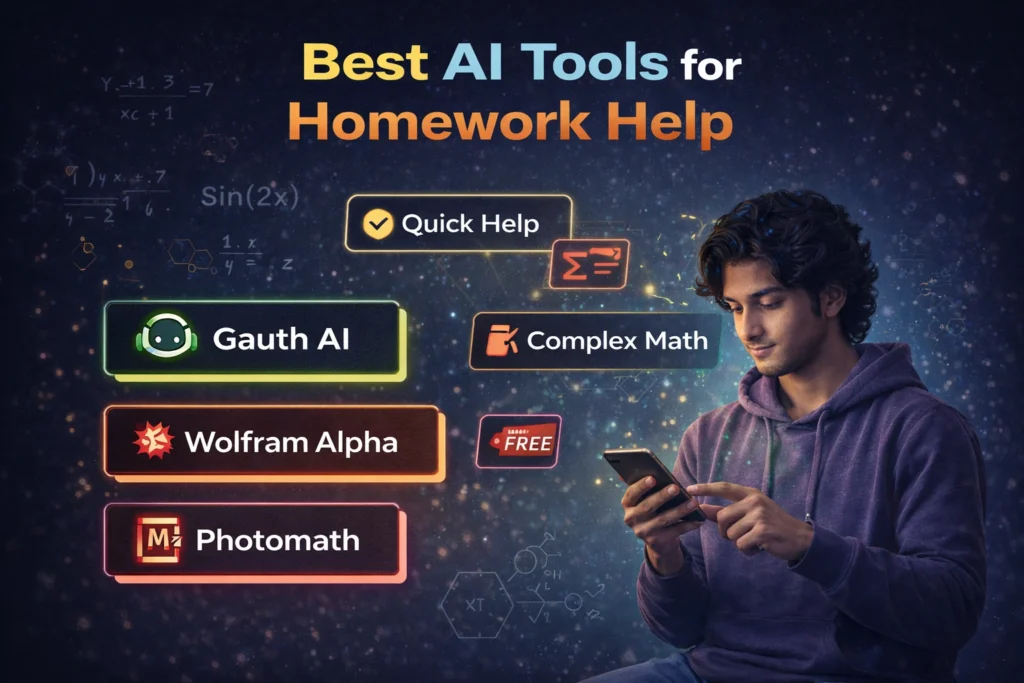
For mathematics, physics, and chemistry problems, specialized homework helpers outperform general AI chatbots. Tools like Gauth AI excel at showing step-by-step solutions rather than just providing answers, helping you understand problem-solving methodologies.
If you need alternatives with different strengths, consider exploring various Question AI alternatives that specialize in specific subjects. Photomath remains excellent for K-12 level mathematics with its photo-to-solution feature, while Wolfram Alpha handles advanced calculus and theoretical mathematics that simpler tools struggle with.
Best for Quick Help: Gauth AI (96% accuracy on algebra, 87% on calculus)
Best for Complex Math: Wolfram Alpha (95% accuracy, handles theoretical mathematics)
Best Free Option: Photomath (limited to K-12 level but completely free)
Writing and Essay Support
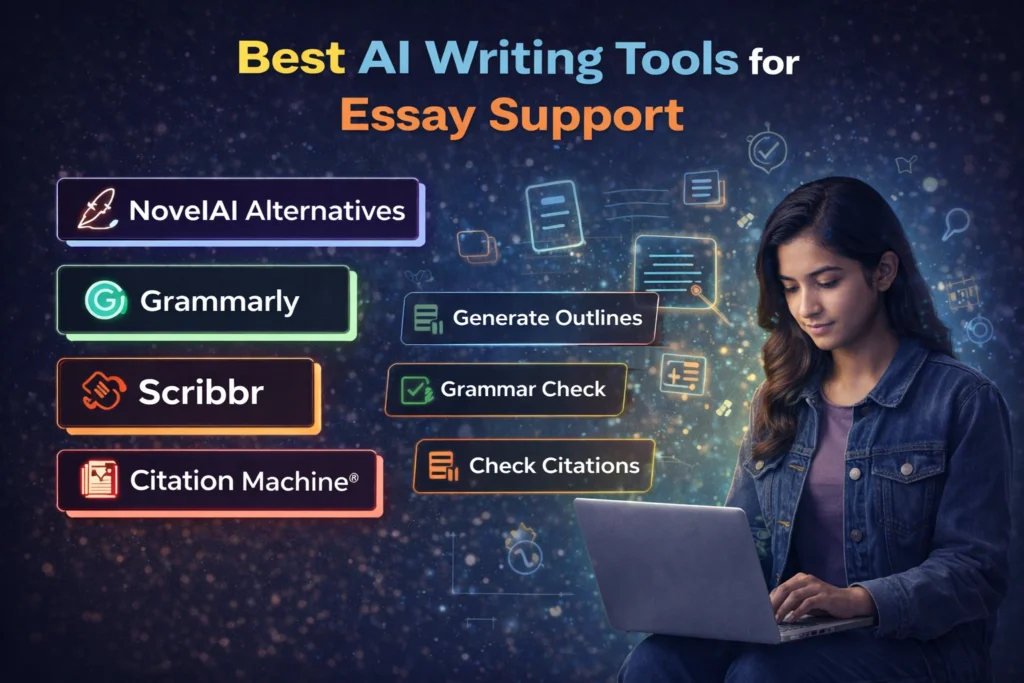
Writing assistance requires careful navigation of ethical boundaries. AI writing tools should help improve your original work, not generate it for you. For creative writing projects or fiction assignments, platforms like Novel AI alternatives can help overcome writer’s block through brainstorming, though the actual writing must remain your own.
For academic essays, use AI tools for:
• Generating outlines and organizing arguments
• Identifying relevant research questions
• Improving grammar and sentence structure in your drafts
• Checking citations and formatting
Critical Warning: Never submit AI-generated essays as your own work. Besides being academically dishonest, modern detection technology can flag this content, creating serious consequences even if the detector produces false positives on other content.
Organization and Productivity Tools
Staying organized determines academic success as much as understanding course material. AI-powered productivity tools help manage deadlines, organize research, and maintain consistent study habits without the manual overhead of traditional planning systems.
Schedule Management
Reclaim.ai automatically schedules study time around classes, work, and commitments. The tool learns your productive hours and blocks focused study sessions before your calendar fills with meetings and social activities. Students report saving 4-6 hours weekly through better time allocation.
Set habits like ‘study calculus 8 hours weekly’ or ‘review lecture notes daily,’ and Reclaim automatically finds appropriate time slots. When conflicts arise, it reschedules based on priorities you define, eliminating the constant mental load of calendar management.
Note-Taking and Knowledge Management
Notion AI transforms note-taking by extracting key points from lecture recordings, summarizing research articles, and answering questions about your stored notes. This works especially well for students already using Notion’s workspace features for organizing course materials.
For meeting notes and lecture transcription, Otter.ai automatically records, transcribes, and summarizes conversations. This proves invaluable for study groups, professor office hours, and lectures where taking detailed notes distracts from understanding concepts in real-time.
Research and Learning Tools
Academic Research Assistance
ChatGPT Plus provides versatile research support beyond specific academic tools. Use it for understanding complex theories, generating study questions, creating flashcards, and explaining difficult concepts in simpler terms. The conversational format makes learning feel less intimidating than traditional textbooks.
However, always verify AI explanations against authoritative sources. ChatGPT occasionally presents incorrect information confidently, so treat it as a starting point for understanding rather than the final authority on academic topics.
Language Learning
AI chatbots excel at language practice through conversational interaction. Unlike traditional study apps, conversational AI adapts to your skill level and interests, making practice feel natural rather than formulaic. This works for both vocabulary building and grammar practice.
Character-based chatbots can make language learning more engaging by creating immersive scenarios. Practice ordering at a restaurant in French, interviewing for a job in Spanish, or discussing hobbies in Japanese through roleplay that maintains your interest better than textbook exercises.
Budget-Conscious Student Recommendations
Most students balance tight budgets with extensive tool needs. Here’s the minimum viable toolkit for academic success without breaking your budget:
Free Tools That Deliver Value:
• Photomath: Free math help for K-12 level courses
• Reclaim.ai: Free tier includes essential calendar optimization
• ChatGPT: Limited free access for basic research assistance
Best Value Paid Tools:
• Notion AI ($10/month): If you already use Notion, this maximizes existing investment
• ChatGPT Plus ($20/month): Most versatile single tool for research and learning
Tools to Approach Cautiously
Not every AI tool benefits student learning. Some create dependency rather than enhancing understanding:
Essay Mills and Assignment Generators:
Services promising completed essays violate academic integrity and provide no learning value. Beyond ethical concerns, these services often deliver generic content easily identified by professors and detection software. Focus on tools that help you write better, not tools that write for you.
Overly Complex Productivity Systems:
Some AI productivity tools require extensive setup and maintenance that consumes more time than they save. Start with simple, focused tools before building complex automated systems. Many students waste hours configuring elaborate workflows when basic calendar and to-do list apps suffice.
Frequently Asked Questions
Will using AI tools hurt my learning?
This depends entirely on how you use them. AI tools that explain concepts, show problem-solving steps, and help organize information enhance learning. Tools that simply provide answers without explanation create dependency and weaken understanding. Focus on tools that make you think rather than think for you.
How do I know if I’m using AI tools ethically?
Ask yourself: ‘Am I learning from this tool, or is it doing my learning for me?’ If you can explain the concept or replicate the work without the tool, you’re using it appropriately. If you’re dependent on the tool to complete work you don’t understand, you’ve crossed into problematic usage.
Should I tell professors I’m using AI tools?
When in doubt, ask. Many professors appreciate students who proactively discuss tool usage rather than assuming what’s acceptable. If your institution has clear policies, follow them. If policies are vague, transparency usually works in your favor compared to attempting to hide tool usage.
Final Recommendations
Start with free tools addressing your biggest academic challenges. If you struggle with math, begin with homework helpers. If organization causes problems, try schedule management tools. If note-taking overwhelms you, experiment with transcription services.
Avoid subscribing to multiple paid tools simultaneously. Test one tool thoroughly for 2-4 weeks before adding another. Many students accumulate subscriptions they rarely use, wasting money that could fund better resources like textbooks or tutoring.
Remember that AI tools supplement learning, they don’t replace it. The most successful students use these tools to enhance their natural abilities and overcome specific obstacles, not as crutches, avoiding genuine engagement with course material. Your goal should be to become a better student, not just a student who submits better-looking work.